71
Listening to your audio CD (Audio CD Play)
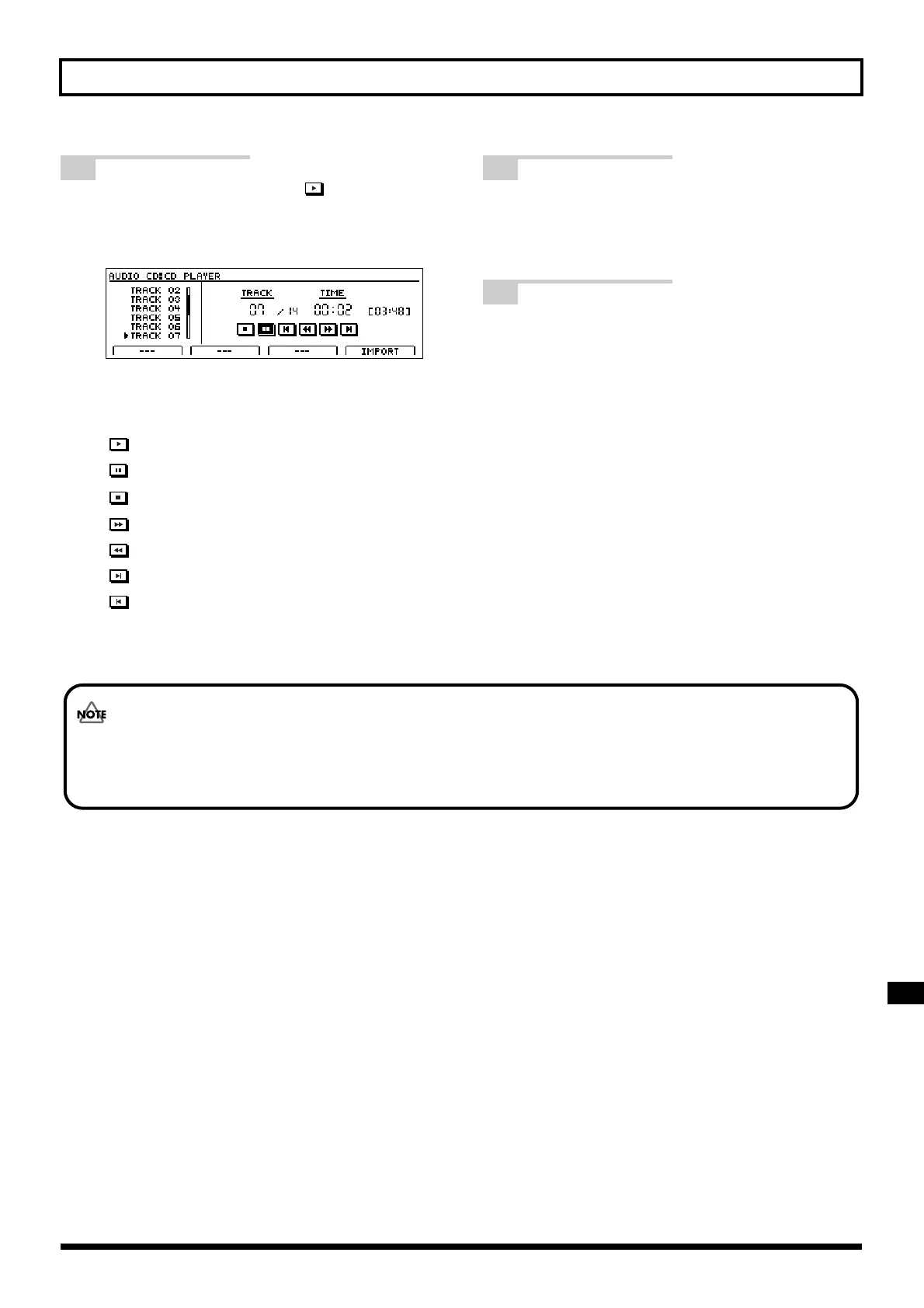
5 Move the cursor to the icon and
press [ENTER/YES].
Playback of the audio CD will begin.
fig.07-73bd
You can move the cursor to the following icons and
press [ENTER/YES] to control playback in various
ways.
: Play
: Pause
: Stop
: Fast forward
: Rewind
: Skip forward to the next song
: Skip back to the beginning of the song or to the
previous song
6 If you want to stop playback of the
audio CD, press [EXIT/NO] several
times to return to the top screen.
7 Press the CD-R/RW drive’s EJECT
button to eject the disc.
It may take a period of several seconds before the disc
is actually ejected.
When an audio disc is inserted into the CD-R/RW drive, the message “Now Checking...” may remain on the screen for
a relatively long time. This period of time is required for reading of the data stored on the audio CD and it is not the
result of a malfunction.



 To Next Page