EasyManua.ls Logo

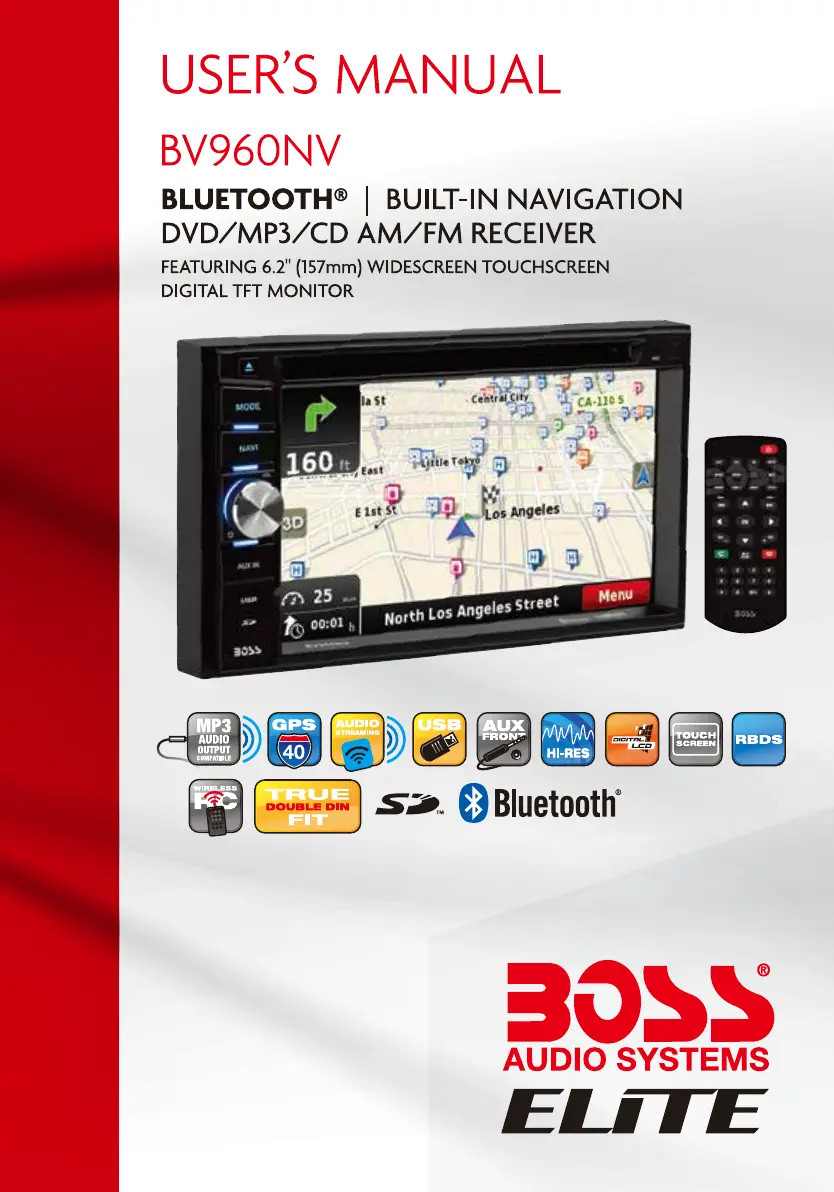
Boss BV960NV - User Manual

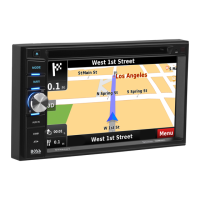
Boss BV960NV
32 pages
Print Icon
To Next Page IconTo Next Page
Loading...

Questions and Answers

  • B
    Brittany MartinSep 8, 2025
    Why is there no GPS image on my Boss Car Navigation system?
    • D
      David ParrishSep 9, 2025
      If your Boss Car Navigation system is showing no GPS image, it might be that the system hasn't been switched to the GPS display. Change the display to the GPS system.
  • J
    Jennifer RiversSep 12, 2025
    Why is the station searching weak on my Boss BV960NV?
    • A
      Angela RamosSep 12, 2025
      If you're experiencing weak station searching with your Boss Car Navigation system, the auto antenna might not be fully extended. Ensure the auto antenna is properly connected. Also, check if the LOCAL function is activated and turn it OFF.
  • K
    kennethellisSep 13, 2025
    What to do if I cannot insert a disc into my Boss BV960NV?
    • S
      Seth HolmesSep 13, 2025
      If you can't insert a disc into your Boss Car Navigation system, there might already be a disc inside. Eject the current disc before inserting a new one.
  • L
    lindawebbSep 14, 2025
    Why is there noise during play on my Boss Car Navigation system?
    • A
      Adam SheltonSep 15, 2025
      If you experience a lot of noise during playback on your Boss Car Navigation system, and then the playback stops, the disc may be scratched or warped. Use a new disc in good condition. It may also be dirty or wet, so try cleaning it.
  • R
    roseyoungSep 16, 2025
    Why is there no repeat while playing VCD on my Boss Car Navigation system?
    • V
      veronica00Sep 17, 2025
      If there is no repeat or searching while playing a VCD on your Boss Car Navigation system, the PBC function may be turned ON. Turn the PBC function OFF.

Summary

Safety Notice

Remote Control Operation

Main Menu Operation

Main Menu Interface Overview

Shows the main menu structure, time, and date.

Radio, Disc, and Phone Menus

Navigates radio, disc playback, and phone setup interfaces.

Music, Video, Picture, and Aux Inputs

Accesses music, video, picture, and auxiliary input functions.

Access Setup Interface

General Setup Options

Configures time, date, clock mode, time zone, and wallpaper.

Disc and Audio Configuration

Adjusts disc playback features and audio output parameters.

EQ and Navigation Setup

Configures equalizer settings and navigation voice/path options.

Steering Wheel Control Setting

SWC Learning Process

Guides through learning steering wheel control commands.

Radio Operation

Bluetooth Music Streaming

Bluetooth Settings and Pairing

Manages Bluetooth on/off, auto connection, and device pairing.

Bluetooth Phone Operations

Bluetooth Call Management

Troubleshooting Guide

Error Messages and General Problems

Lists common error messages and general unit issues with solutions.

Monitor and Tuner Troubleshooting

Solves issues related to the TFT monitor and radio tuner performance.

Disc Playback Issues

Resolves common problems encountered during disc insertion and playback.

Boss BV960NV Specifications

General IconGeneral
BrandBoss
ModelBV960NV
CategoryCar Navigation system
LanguageEnglish