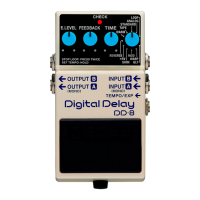
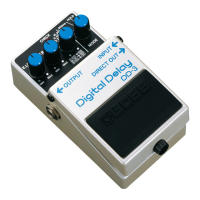
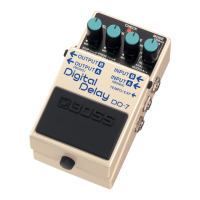
Panel Descriptions
8
* When running the unit on battery power, inserting a plug into the INPUT-A (MONO) or INPUT-B jack will automatically switch the
unit on.
* Before turning the unit on/o, always be sure to turn the volume down. Even with the volume turned down, you might hear some
sound when switching the unit on/o. However, this is normal and does not indicate a malfunction.
* This unit is equipped with a protection circuit. A brief interval (a few seconds) after power up is required before the unit will operate
normally.
* The use of an AC adaptor is recommended as the unit’s power consumption is relatively high. Should you prefer to use batteries,
please use the alkaline type.
* To prevent malfunction and equipment failure, always turn down the volume, and turn o all the units before making any
connections.
* Some connection cables contain resistors. When connection cables with resistors are used, the sound level may be extremely low, or
impossible to hear. For information on cable specications, contact the manufacturer of the cable.
* We recommend that you keep batteries installed in the unit even though you’ll be powering it with the AC adaptor. That way, you’ll
be able to continue a performance even if the cord of the AC adaptor gets accidentally disconnected from the unit.
* Once the connections have been completed, turn on power to your various devices in the order specied. By turning on devices in
the wrong order, you risk causing malfunction and/or damage to speakers and other devices.
• When powering up: Turn on the power to your guitar amp last
• When powering down: Turn o the power to your guitar amp rst
* When operating on battery power only, the unit’s indicator will become dim when battery power gets too low. Replace the battery
as soon as possible.


 To Next Page