9
English
Operating the Unit
1. Turn on the eect
After you have nished making the connections, press the pedal
switch to turn the eect on (the CHECK indicator lights red).
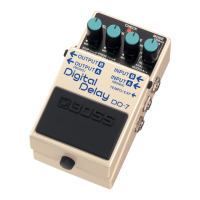
* The DD-7 features a “seamless switching function” whereby
the delay sound decays gradually, even after the eects are
switched o.
* When in HOLD mode, the eect cannot be switched on or o.
* You can obtain a variety of dierent delay eects by changing
how the connections are made. For more information, refer to
“Setting the Output Method” (p. 13).
2. Select the mode
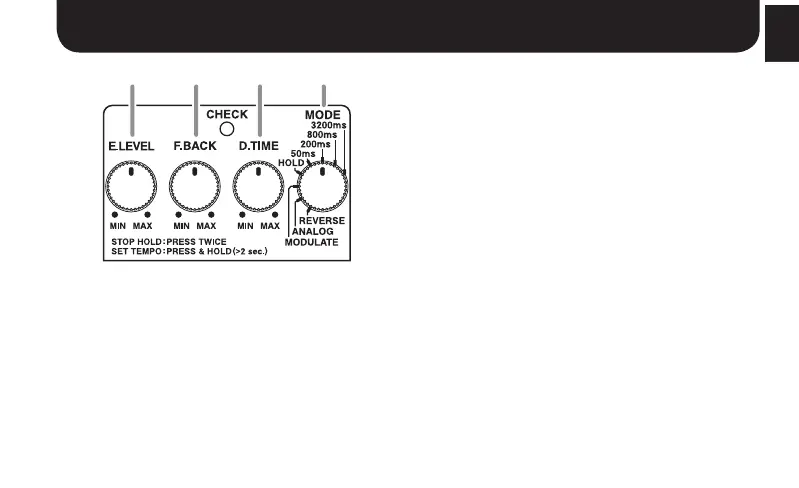
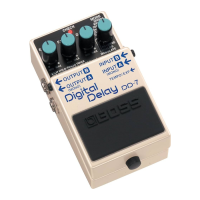
Use the MODE knob to select the mode to be used.
* Operations vary according to the mode. Refer to each
operation.
3. Adjust the delay time
Adjust the delay time with the D.TIME knob.
4. Adjust the feedback level
Use the F.BACK knob to adjust the feedback level (or how much the
sound is repeated).
* Oscillation may occur with certain input sounds, or when the
knob is set at certain positions.
5. Adjust the volume
Adjust the volume level of the eect sound with the E.LEVEL knob.


 To Next Page