6
Panel Description
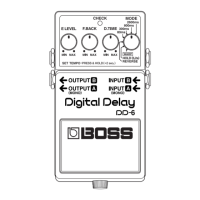
5. Pedal Switch
This is used for switching the effect on and
off, and for switching between the different
functions (p. 12–15).
6. Thumbscrew
When this screw is loosened, the pedal will
open, allowing you to change the battery.
* For instructions on changing the battery, refer
to “Changing the Battery” (p. 19).
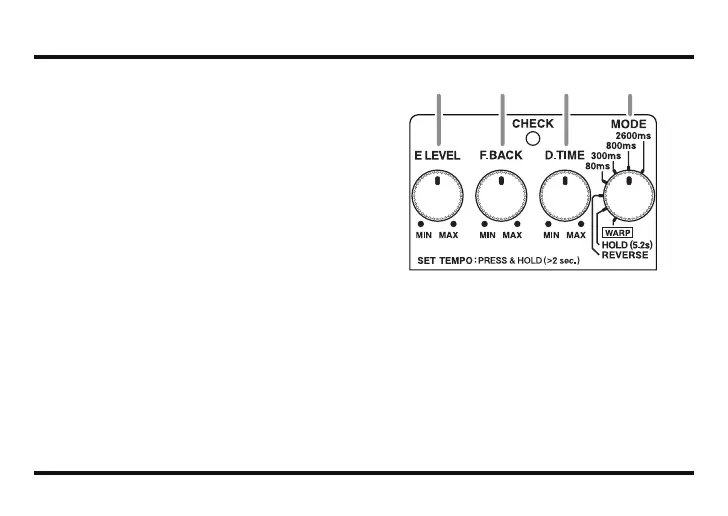
fig.02
7. E.LEVEL (effect level) Knob
This adjusts the volume of the effect sound.
Turn the knob to the right (clockwise) to in-
crease the effect sound. When set to MAX,
the effect is played at the same volume as the
direct sound.
* Only the effect sound is output when the E.LEVEL
knob is set to MAX while in REVERSE mode.
8 9 107
DD-6_e.book 6 ページ 2006年7月25日 火曜日 午後3時37分











 To Next Page