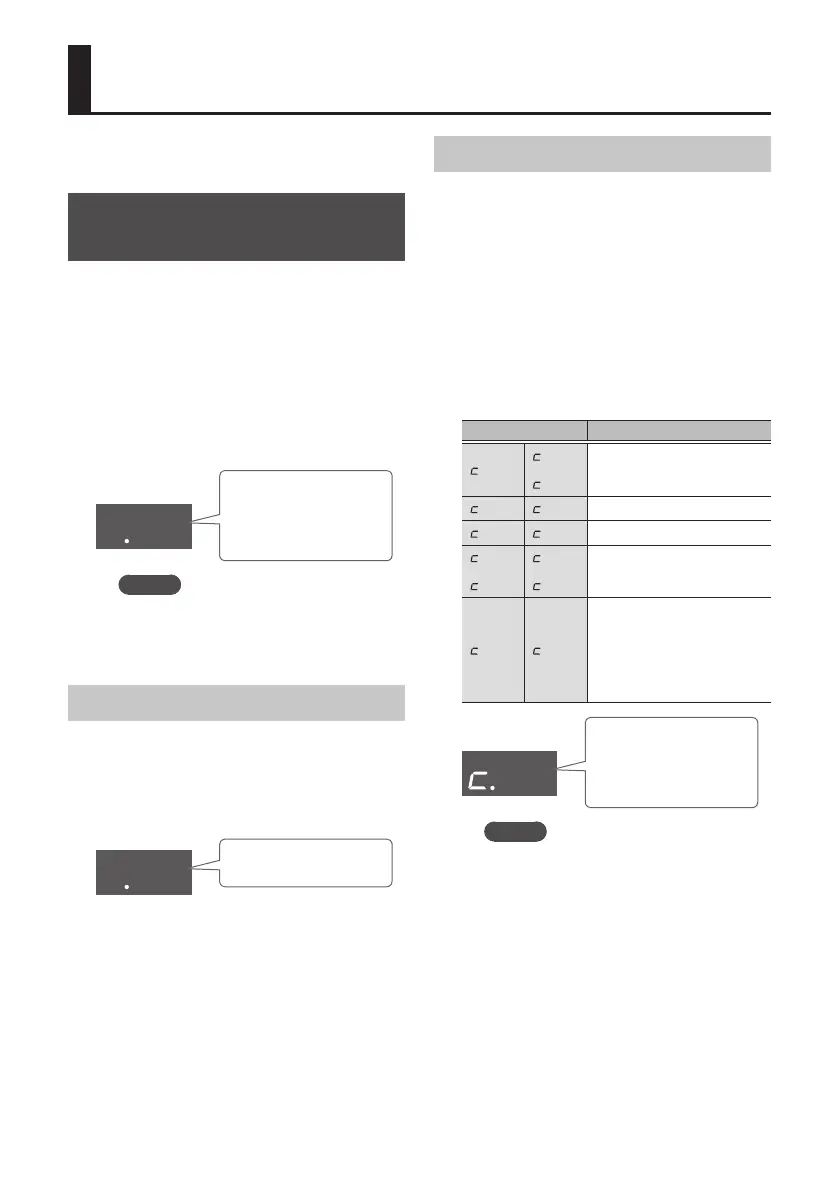
10
Advanced Use (Performing)
Here we explain convenient functions that you
can use while performing.
Adding a Count Before Rhythm
Starts
You can insert a count before the rhythm
starts.
1. Press the [COUNT IN] button.
The [COUNT IN] button is lit.
When you press the [s] button, a
one-measure count is sounded before the
rhythm plays.
cin
Count-In
This indicates that
count is playing.
MEMO
To turn o the count-in function,
press the [COUNT IN] button once
again.
Adjusting the Count-In Volume
1. Hold down the [COUNT IN] button,
and use the VOLUME [I] [H]
buttons.
The volume of the count-in changes.
u50
Volume of count-in
Changing the Type of Count-In
You can change the sound of the count-in, or
use an illuminated (silent) count.
1. Press the [COUNT IN] button.
The [COUNT IN] button is lit.
2. Hold down the [COUNT IN] button,
and use the VARIATION [I] [H]
buttons.
Select the type of count-in.
Indication Explanation
.01
.07
.08
Count-in with drumsticks.
.02 .09
Count-in with voice.
.03 .10
Count-in with hi-hat.
.04
.05
.11
.12
Count-in with electronic
sound (beeps).
.06 .13
Count-in by lighting the
tempo LED located above
the speaker.
In this case, no count-in
sound is heard.
01
Type of count-in
Indicates the type of
count-in.
MEMO
c.07–c.13 are two-measure count-ins.











 To Next Page