EasyManua.ls Logo

Boss MX1-3E - User Manual

Boss MX1-3E
44 pages
Print Icon
To Next Page IconTo Next Page
Loading...
Operation &
Maintenance Manual
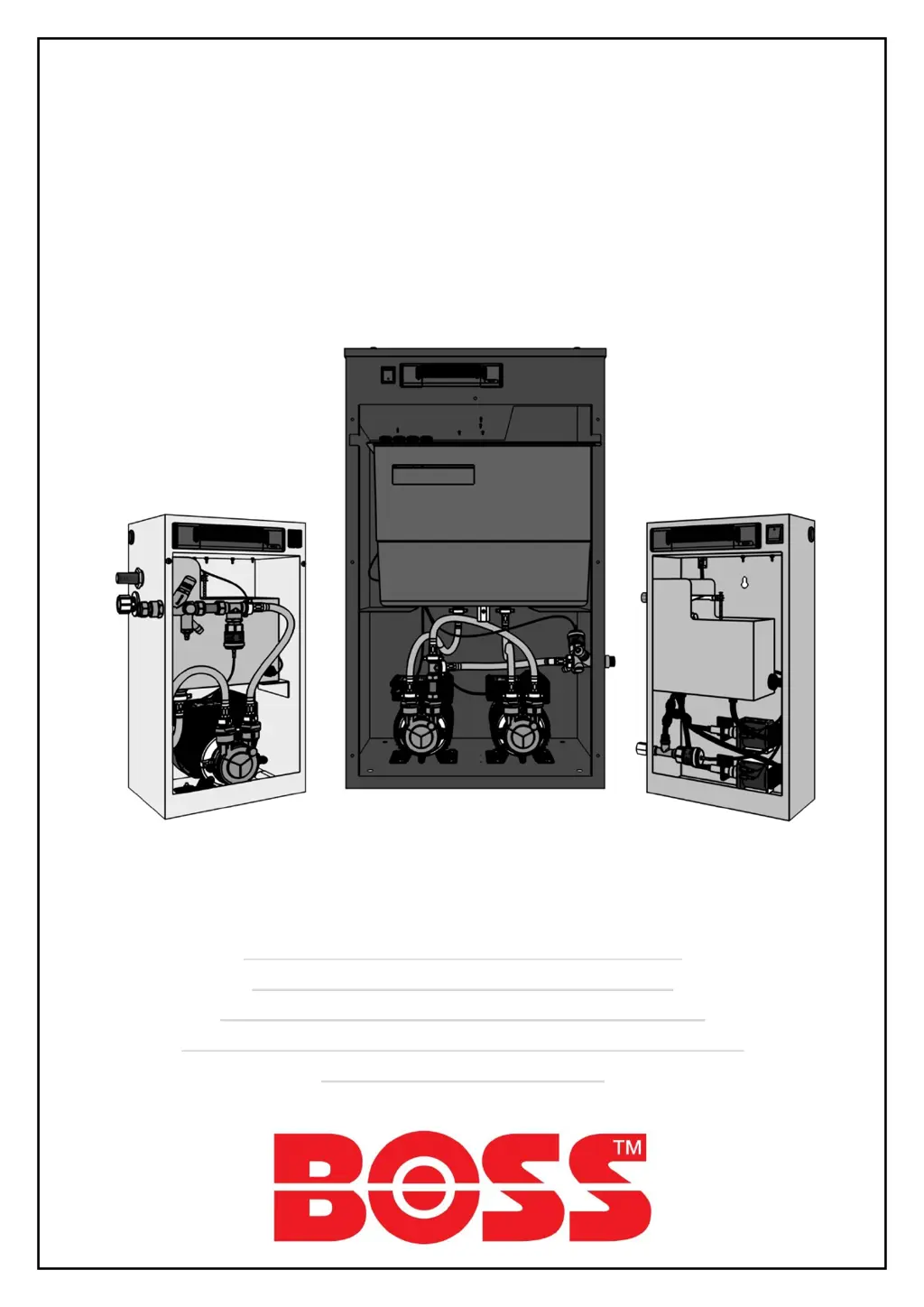
BOSS Digital Pressurisation Equipment
AX Models (AX1-2.5E, AX2-2.5E, AX1-5E, AX2-5E)
PF Models (PF1-2.5E, PF2-2.5E, PF1-5E, PF2-5E)
Midi Models (MD1-2.5E, MD2-2.5E, MD1-5E, MD2-5E)
Digifiller (Digifiller 0.5, Digifiller 1.0, Digifiller 1.5, Digifiller 2.0)
Mini Models (MX1-3E, MX2-3E)

Questions and Answers

  • C
    Chad PatelSep 12, 2025
    What to do if the pump runs but does not make up pressure on Boss MX1-3E Industrial Equipment?
    • S
      Steven NelsonSep 12, 2025
      If the pump runs but does not make up pressure on your Boss Industrial Equipment, the pump may be air-locked and not pumping water. Bleed the pump.
  • J
    Joshua HessSep 12, 2025
    Why is the pump persistently becoming air-locked on my Boss MX1-3E?
    • S
      sydneyliuSep 12, 2025
      If the pump is persistently becoming air-locked on your Boss Industrial Equipment, the wrong/no flow restrictor is installed in the float valve (MX, Digifiller and midi units only). Check float valve flow restrictor selection (MX, Digifiller and midi units only).
  • J
    John SilvaSep 15, 2025
    What does it mean if P2 FAIL is displayed on my single pump Boss MX1-3E Industrial Equipment?
    • D
      dawngraySep 15, 2025
      If P2 FAIL is displayed but the unit is a single pump model on your Boss Industrial Equipment, the PUMPS NUMBER option is incorrectly set to 2. Set PUMPS NUMBER to 1.

Summary

Installation

AX Skid Clearance and Connection Requirements

Pressfill (PF) Clearance and Connection Requirements

Digifiller & Midi (MD) Clearance and Connection Requirements

Mini (MX) Clearance and Connection Requirements

Electrical Power Supply

Commissioning

Pre-Commissioning Checklist

Lists essential conditions to verify before starting the commissioning process.

Controller Overview

Controller Programming

Menu Items Explained

Hydraulic Commissioning

Initial Start-up

Testing

Operation

Fault Codes

Lists and explains all fault codes displayed on the digital controller.

Troubleshooting

Low Pressure Faults

Identifies causes and solutions for low pressure fault indications.

High Pressure Faults

Identifies causes and solutions for high pressure fault indications.

Flood Limit Faults

Identifies causes and solutions for pump flood limit fault indications.

Pump Fail Faults

Identifies causes and solutions for pump fail fault indications.

Low;High Water Faults

Identifies causes and solutions for low or high water level faults.

Maintenance

Check Expansion Vessel Pre-Charge

Procedure for checking and maintaining the expansion vessel's pre-charge pressure.

Wiring Diagram

Boss MX1-3E Specifications

General IconGeneral
CategoryIndustrial Equipment
Operating Temperature-20°C to +70°C
Protection ClassIP20
Dimensions99 x 97 x 30 mm
Weight250g

Related product manuals