Switching between modes
6
Switching between modes
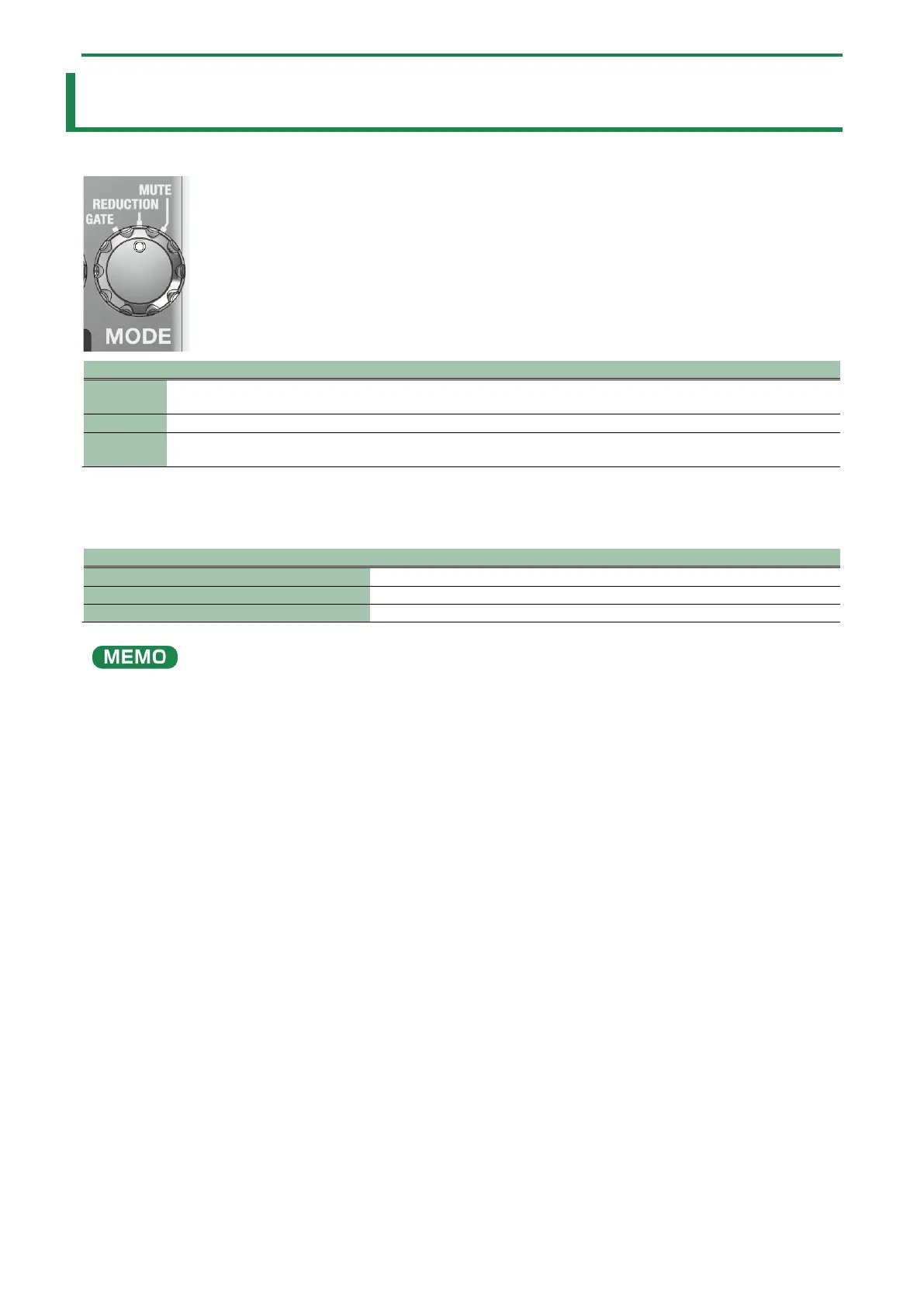
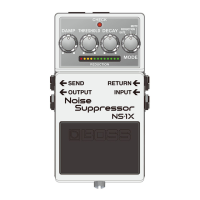
Turn the [MODE] knob to select the mode.
GATE
This effect works best when you’re playing heavily distorted parts interspersed with silence, as well as during
breaks in the song. The effect responds quickly, and clearly demarcates the sound of your playing from the silence.
This effect is optimum for suppressing noise, as a reduction effect that doesn’t alter the nuances of what you play.
MUTE
This effect is optimal for muting the sound during a performance or between songs. The reduction effect is
applied when mute is turned off.
CHECK indicator status
You can use the gate effect instead of the reduction effect when mute is turned off.
In mute mode, long-press the pedal switch to switch to the gate effect (the left half of the REDUCTION indicator lights up).
Long-press again to switch to the reduction effect (the right half of the REDUCTION indicator lights up).
The settings are remembered even when the power is switched off.


 To Next Page