16
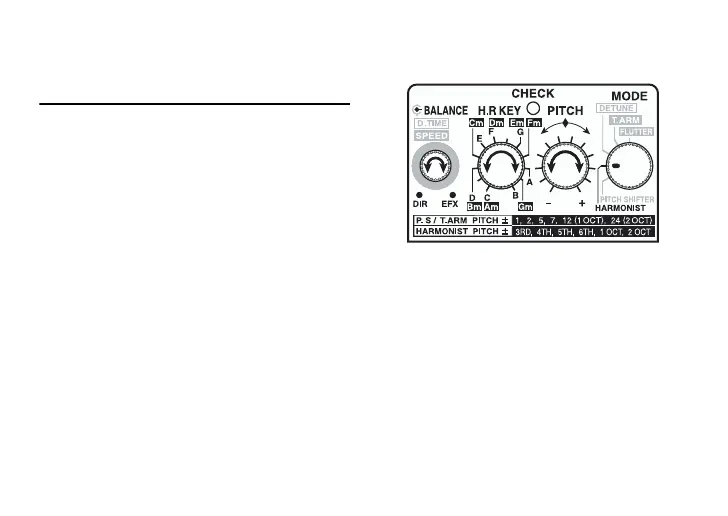
HARMONIST
Use only for single notes, not chords.
This takes the input sound, creates har-
monies up to two octaves above or below,
and outputs the sounds together.
* Monitor volume levels in this mode when
the PS-5 is connected following heavy
equalization or distortion effects.
Harmonies may become shifted at excessive
volume levels.
* Using a tuner such as the optional TU-12
or TU-2 to make sure your instruments are
properly tuned. Tune after setting the
reference pitch A4 to 440 Hz.
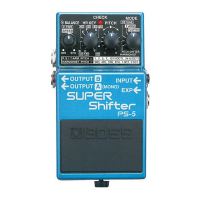
1. After making the necessary connec-
tions (page 11), press the pedal switch
to turn the effect on (the CHECK indi-
cator should be lit).
2. Use the H.R KEY switch to select the
same key as that of the song to be per-
formed. For more detailed informa-
tion, refer to “Key setting” (page 18).





 To Next Page