17
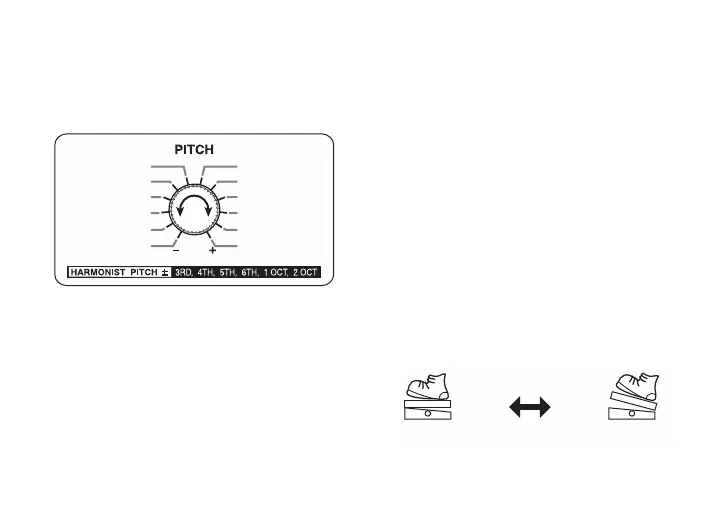
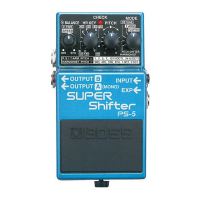
3. Rotate the PITCH switch to select the
desired interval.
For more on the harmony output
based on the H.R KEY switch and the
PITCH switch (interval) settings, refer
to “About the scale of the effect
sound” (page 19).
4. Rotate the BALANCE knob to adjust
the balance between the effect and
direct sounds.
* When the stereo outs are used, the balance
of the sound output corresponds to the
BALANCE knob setting, with effects
sound output from OUTPUT A and direct
sound from OUTPUT B.
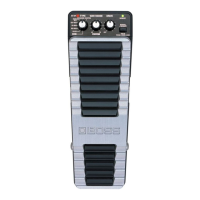
5. Connecting the optional Roland EV-5
to the EXP jack provides continuous
changes in pitch, up to the amount set
with the PITCH switch in Step 3.
3RD
4TH
5TH
6TH
1 OCT
2 OCT
-3RD
-4TH
-5TH
-6TH
-1 OCT
-2 OCT
Pitch Shift
(ON)
With Effect
(OFF)
Without Effect



 To Next Page