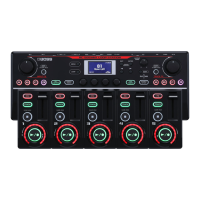
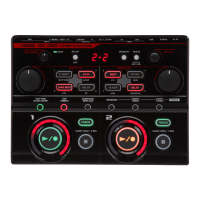
Basic Operation Guide
9
Deutsch
Français Italiano Español
Português
Nederlands
EnglishEnglish
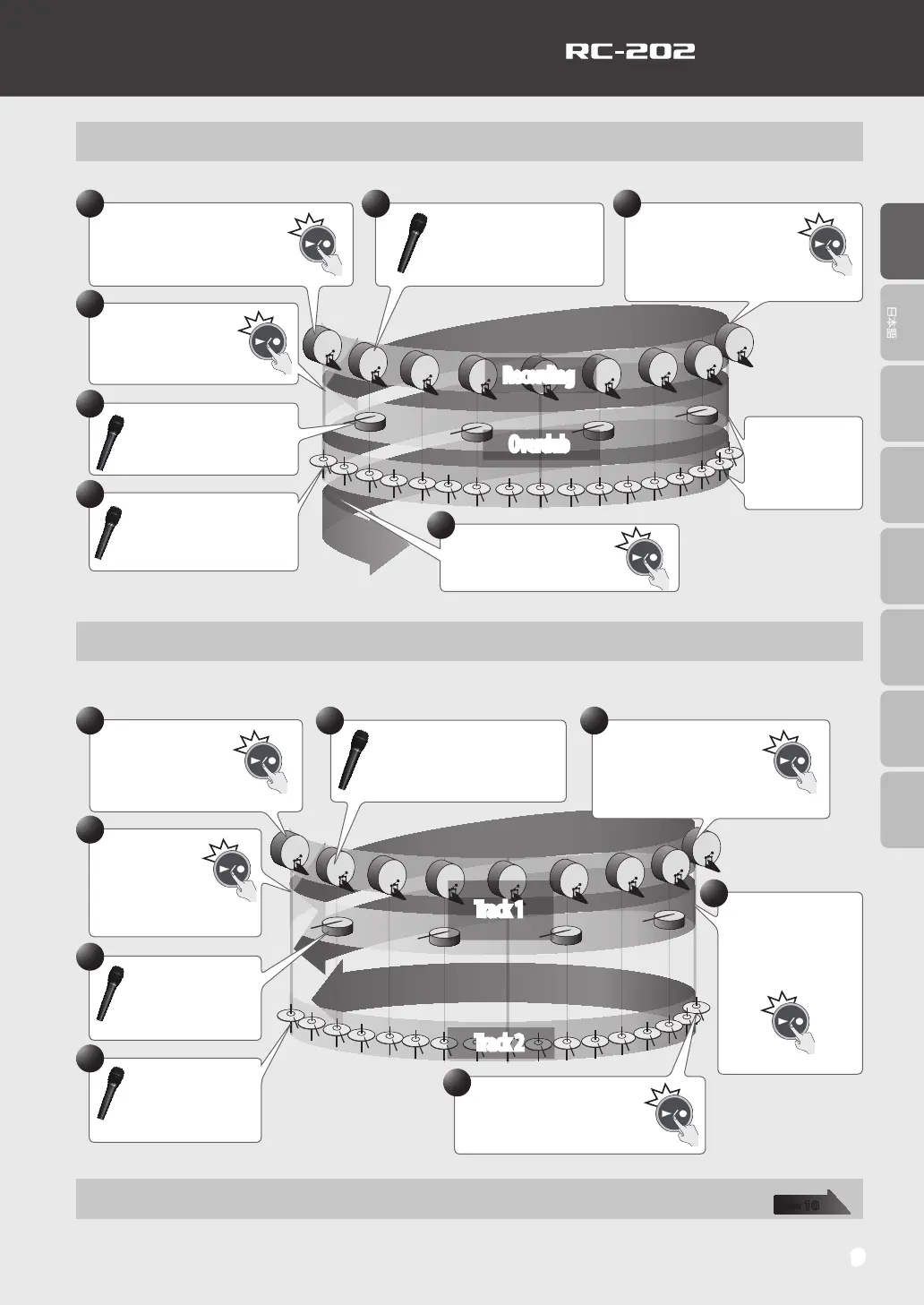
Recording on a Single Track
With this method, you’ll overdub all of the sounds on track 1.
Press the track 1 [
p
/
t
] button to
start recording.
Record your vocal into the
microphone: “Dun! Dun!
Dun!...”
1 2
5
6
Overdub your vocal into the
microphone: Pah! Pah! Pah!
Loop Playback
At the end of two measures,
press the track 1 [
p
/
t
]
button so that loop
playback starts at that point.
3
Recording
Overdub
The sound will
automatically
start over at the
end of the second
measure.
Press the track 1
[
p
/
t
] button to start
overdubbing.
4
7
Overdub your vocal into the
microphone: Chi! Chi! Chi!
Press the track 1 [
p
/
t
]
button to switch to loop
playback.
Recording on Multiple Tracks
Record the bass drum sound and snare drum sound on track 1, and the hi-hat sound on track 2. By recording on multiple
tracks, you’ll have the option of using performance techniques such as stopping just the hi-hat (track 2).
Track 1
Track 2
6
8
Press the track 2
[
p
/
t
] button; track 2
becomes the recording
track.
Press the track 2 [
p
/
t
] button
to loop at that point.
Press the track 1
[
p
/
t
] button to start
recording.
Record your vocal into the
microphone: “Dun! Dun! Dun!...”
1 2
At the end of two
measures, press the track
1 [
p
/
t
] button so that
loop playback starts at that
point.
3
5
7
Overdub your vocal into
the microphone: Pah!
Pah! Pah!
Overdub your vocal into
the microphone: Chi!
Chi! Chi!
4
Press the track 1
[
p
/
t
] button to
start overdubbing.
Saving
When you’ve nished recording, save the phrase memory.
page
10


 To Next Page