Various Settings
10
Specifying the Function of the Pedal Switches
Here’s how to configure the functions that are called up when you long-press the pedal switch.
1.
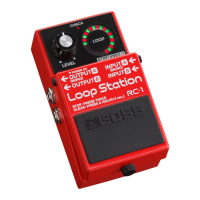
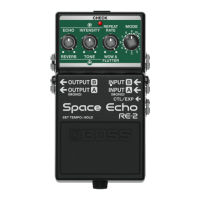
With the power turned off (nothing should be plugged into the INPUT A jack), set the [MODE] knob to
“11”.
2.
While holding down the pedal switch, turn on the power (by connecting a plug to the INPUT A jack).
3.
Turn the [ECHO] knob to select a function.
Minimum value
When you long-press the pedal switch until the CHECK indicator lights up green, the unit enters tap input
mode.
Press the pedal switch at the tempo of the song you’re playing to specify a matching repeat rate.
TWIST is on while the pedal switch is pressed.
4.
Press the pedal switch to exit the settings.


 To Next Page