Various Settings
7
Switching the Direct Sound
1.
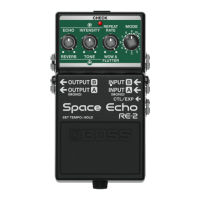
With the power turned off (nothing should be plugged into the INPUT A jack), set the [MODE] knob to
“8”.
2.
While holding down the pedal switch, turn on the power (by connecting a plug to the INPUT A jack).
3.
Turn the [ECHO] knob to select a sound.
All the way
counterclockwise
The audio input is outputted without change.
All the way clockwise
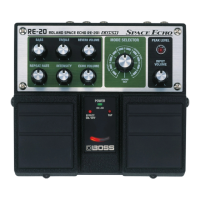
Uses digital signal processing to recreate the sound of the direct sound going
through a RE-201 preamp.
4.
Press the pedal switch to exit the settings.
* When this is set to “RE-201 Simulation,” the simulation effect is still heard even when the effect is off.


 To Next Page