More Features
Changing the display mode (station frequency/song info*/clock time)
The Radio normally displays the station frequency when the power is on.
To recall the clock time:
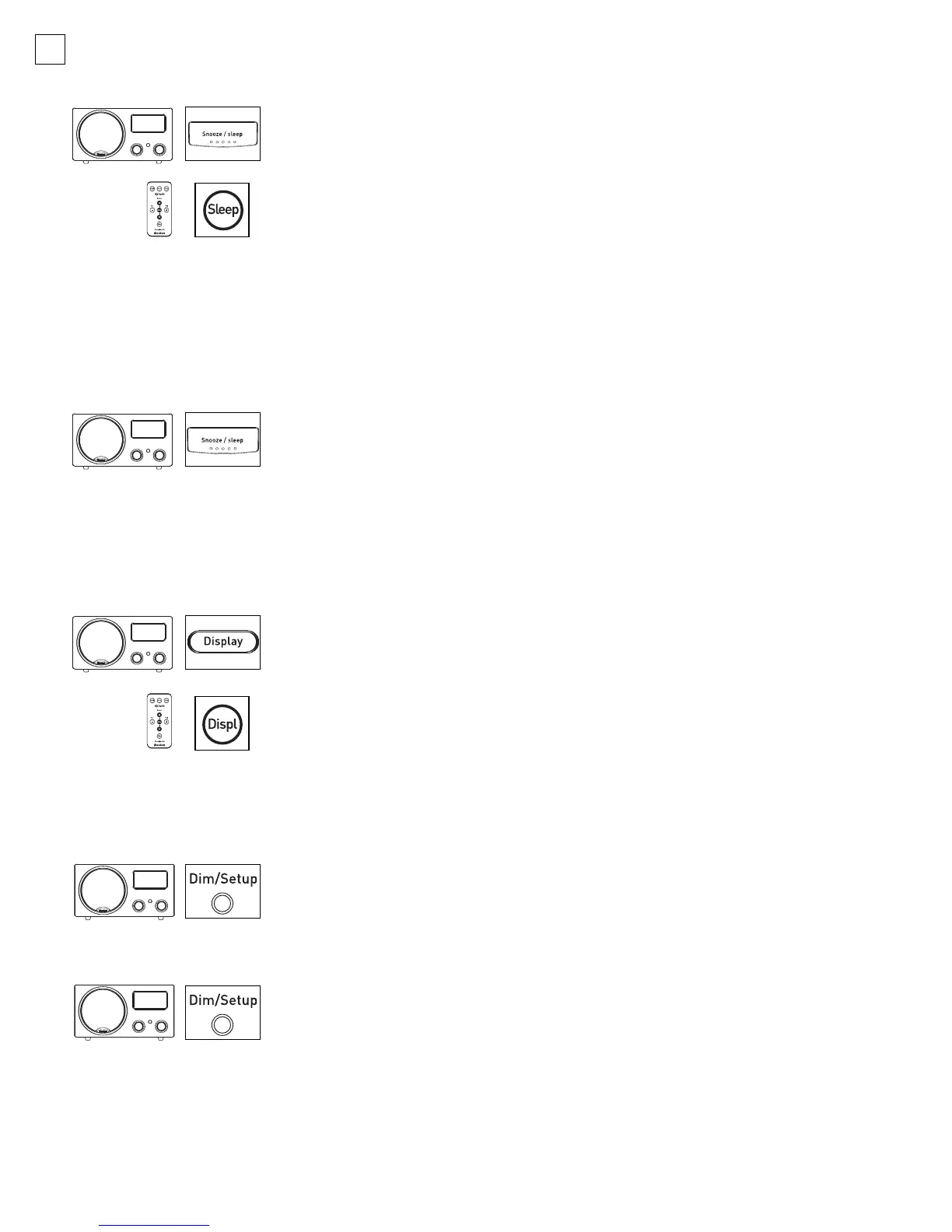
1. Tap the Display button.
2. When the power is off, the Radio displays the current clock time,
even if the default display mode is the station frequency.
* Note: Song artist and title may be available as an additional display mode if the
station broadcasts in HD Radio.
Dim/Setup button
The bright display mode is the default setting.
T
ap the
D
im/S
etup
button to
change the display from dim to medium or bright.
Bass Trim
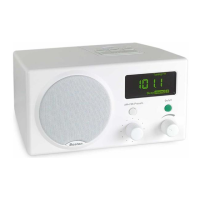
When the Recepter Radio
®
HD is near a wall, the bass may be more pronounced.
T
o reduce the bass:
1. Press the Dim/Setup button for three seconds to bring up the “SETUP MENU.
”
2. S
elect with B
ass
T
rim with the
T
uning
knob
. P
r
ess the
T
uning
knob to enter
Bass Setup. Adjust to achieve the desired amount of bass output. The range
is: 0 (Normal) to -6. Press the Tuning knob to accept changes.
10
Displaying the remaining Sleep time
While the Radio is in Sleep mode, press the Snooze/sleep button
once. The r
emaining Sleep time will be temporarily displayed, after
which the display will revert to its normal readout (either current
clock time or radio frequency, depending on which has been selected).
Using the Sleep function
This function will turn the Radio off automatically after a predetermined time.
1. When the Radio is on (no alarm is sounding), hold down the Snooze/sleep
button (or the Sleep button on the Remote Control) for 1 second.
2. The words “–SLEEP TIME SET–” are shown in the display, and the time
“60:00” is shown temporarily.
3. Each additional press of the
Snooze/sleep button will reduce the
remaining Sleep time in 10-minute increments, to the nearest 10
minutes.
Example: If there are 59:48 minutes remaining in Sleep time,
pressing the button once will reduce the Sleep time to 50 minutes,
twice will reduce it to 40 minutes, etc.
042-002310-E Recepter Radio HD Manual.qxd 11/7/05 3:15 PM Page 10


 To Next Page