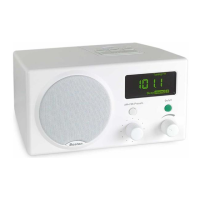
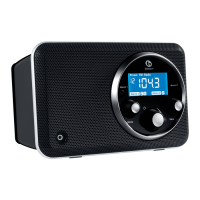
Unpacking the Recepter Radio
®
HD
Please save all the original packaging. It provides the safest way to transport your unit.
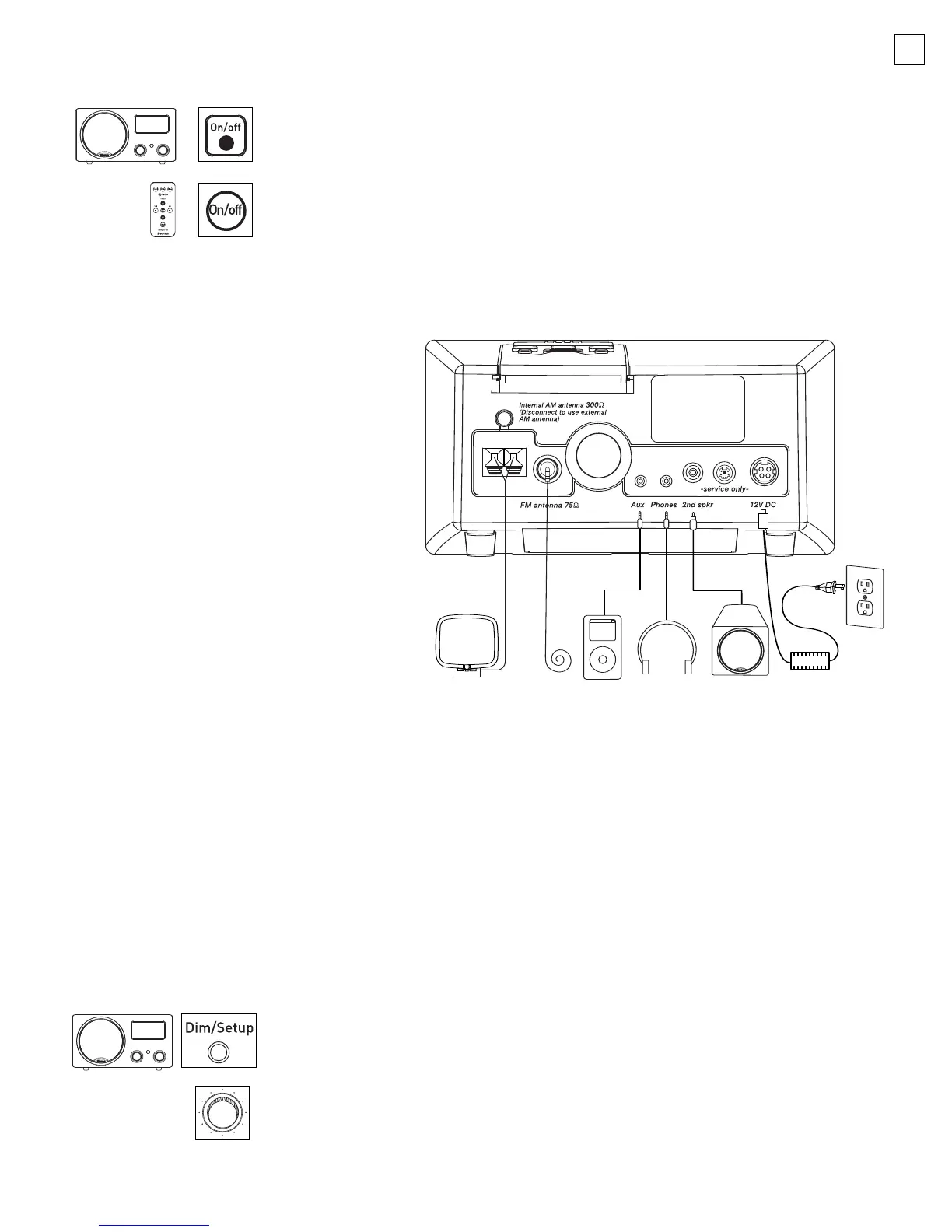
Connecting the power cord
1. Insert the power supply cord into the
port labeled 12V DC on the rear of
the Radio.
2. Insert the AC cord into the power
supply and insert the AC plug into
the wall outlet
.
Be sure to keep the power supply away
from the Radio while in use, as it may
cause interference.
Note: The R
ecepter Radio HD is not
designed for automotive use.
Connecting the FM antenna wire
The FM antenna comes attached. If the antenna is disconnected or you wish to attach an external
indoor FM antenna, follow these steps:
1. Push the Type F connector plug on the end of the antenna wire on the receptacle on the Radio
marked FM antenna 75Ω.
2. Straighten out the antenna to its full length and orient the wire for the best reception. (
5
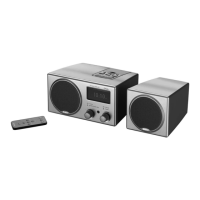
Connecting the second speaker
1. Remove the second speaker from the packaging.
2. Insert the speaker plug into the jack labeled 2nd spkr
.
The Radio’s default setting is stereo; however, if you do not hear stereo sound from the system,
please follow this procedure:
1. P
r
ess and hold the
D
im/S
etup
button for thr
ee seconds to bring up the
“SETUP MENU.”
2. U
sing the
T
uning
knob
, scroll down to
“2ND SPKR” and push the
knob in to select. The selection will flash.
3. Turn the Tuning knob to select “YES (STEREO).” Press the Tuning knob
to accept.
N
ote:
I
f y
ou choose to operate the radio without the second speaker,
please set the radio to “NO (MONO).”
Owner’s Manual Legend
Some operations may be accomplished with either the Remote Control
or the Radio. Icons will represent where the buttons are located. Text in
quotes (e.g., “Alarm”) are indicators shown on the display, while bold words
(e.g.,
Tuning knob) refer to buttons and knobs.
042-002310-E Recepter Radio HD Manual.qxd 11/7/05 3:15 PM Page 5


 To Next Page