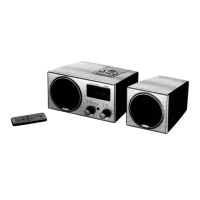
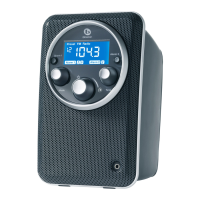
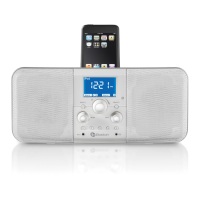
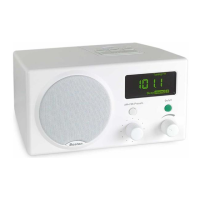
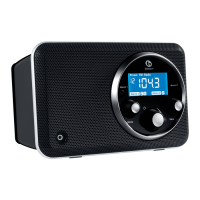
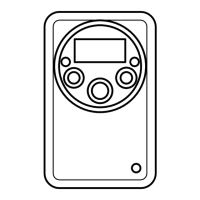
The Recepter Radio
®
HD also has two independent wake-up alarms. Either alarm can be set to music
or tone. A large, easy-to-read LCD clearly presents the station, clock, and alarm/sleep status, while a
built-in sleep function lets the Radio play for up to 60 minutes before turning off automatically.
The Radio is fast and easy to use and set, since times and stations can be rapidly selected by
spinning a knob rather than repeatedly pressing buttons. And once you have stored your favorite
stations in memory, the tuning knob can be set to tune in only those stations.
The Recepter Radio HD also features an auxiliary input that allows the connection of any device with a
headphone output. Simply connect the device to the
1
/8" input jack (located in the rear of the Radio) and
you can listen to your iPod
®
, MP3 player, CD player, or other source through the Recepter Radio HD.
Owner’s Manual
P
lease sav
e this o
wner
’
s manual for future reference. If you should need an additional copy, it may be
downloaded from the Boston Acoustics website: www.bostonacoustics.com/RRHD.
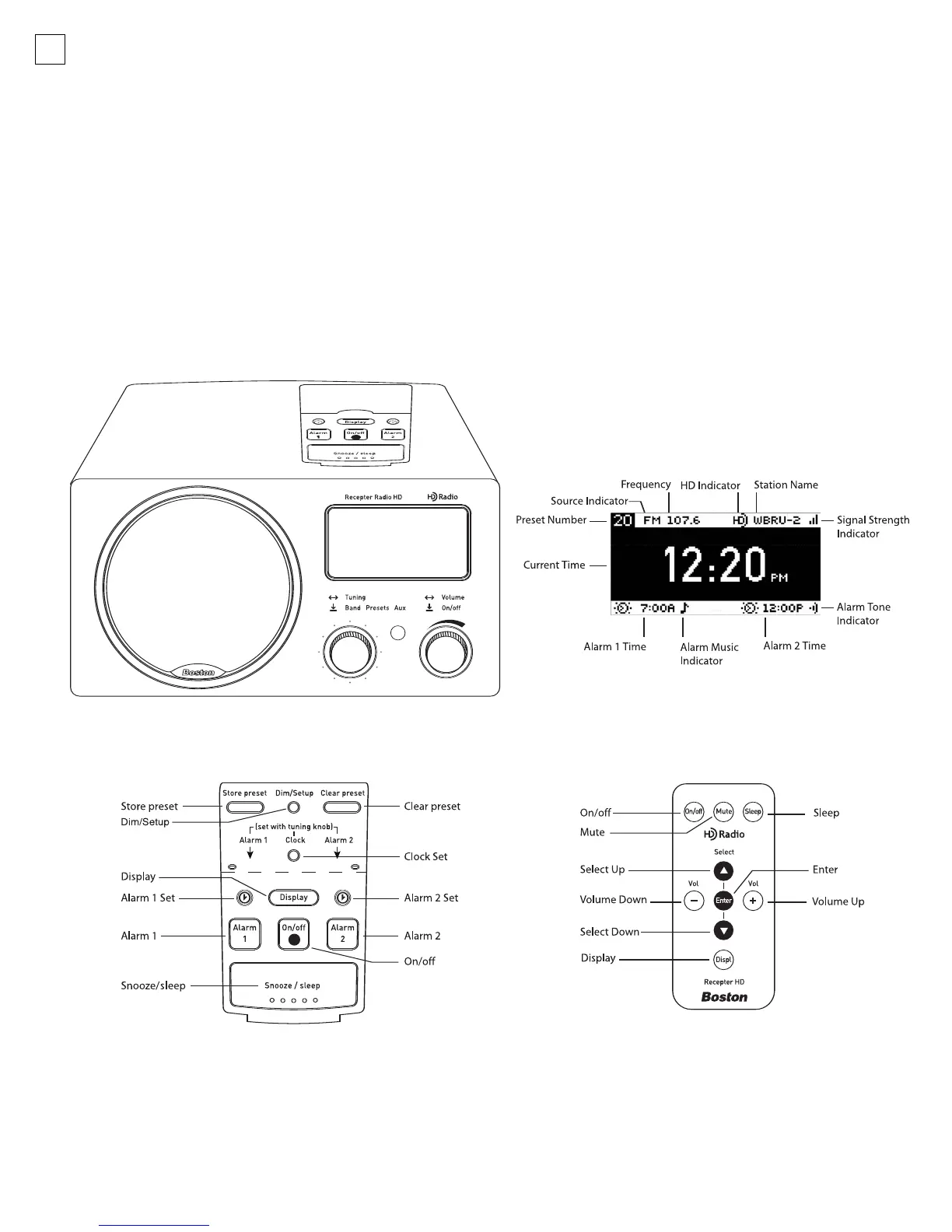
The Control Panel
The Remote Control
The Display
4
042-002310-E Recepter Radio HD Manual.qxd 11/7/05 3:15 PM Page 4


 To Next Page