Follow the diagram for the best suited network connection type.
Direct USB Connection - Firmware Updating
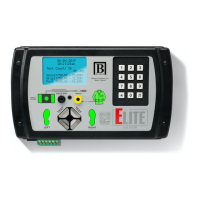
Connect from the ELITE using the USB cable to an available USB port on a
PC.
Direct Ethernet Connection - Data Communications
Connect from the ELITE using the Ethernet cable to an available Ethernet
port on a PC.
Ethernet Network Connection - Data Communications
Connect from the ELITE using the Ethernet cable to an available Ethernet
port on a router.
CONNECT
TO
YOUR
NETWORK
P13
A
B
C


 To Next Page