GETTING STARTED
Please check that your Ethernet cable is securely connected to the ELITE.
If you need assistance on connecting your device to your network please
refer to Quick Start Guide 01 - Wiring & Mounting.
To find your IP address, hold down the # key on the keypad, please wait for
it to beep again and release. This will bring you into the TCP/IP information
screen, here you can see the device network information, including the IP
address.
Record the IP address and enter it into your internet browser URL bar.
The ELITE Web UI works with internet browsers across mobile devices and
desktops.
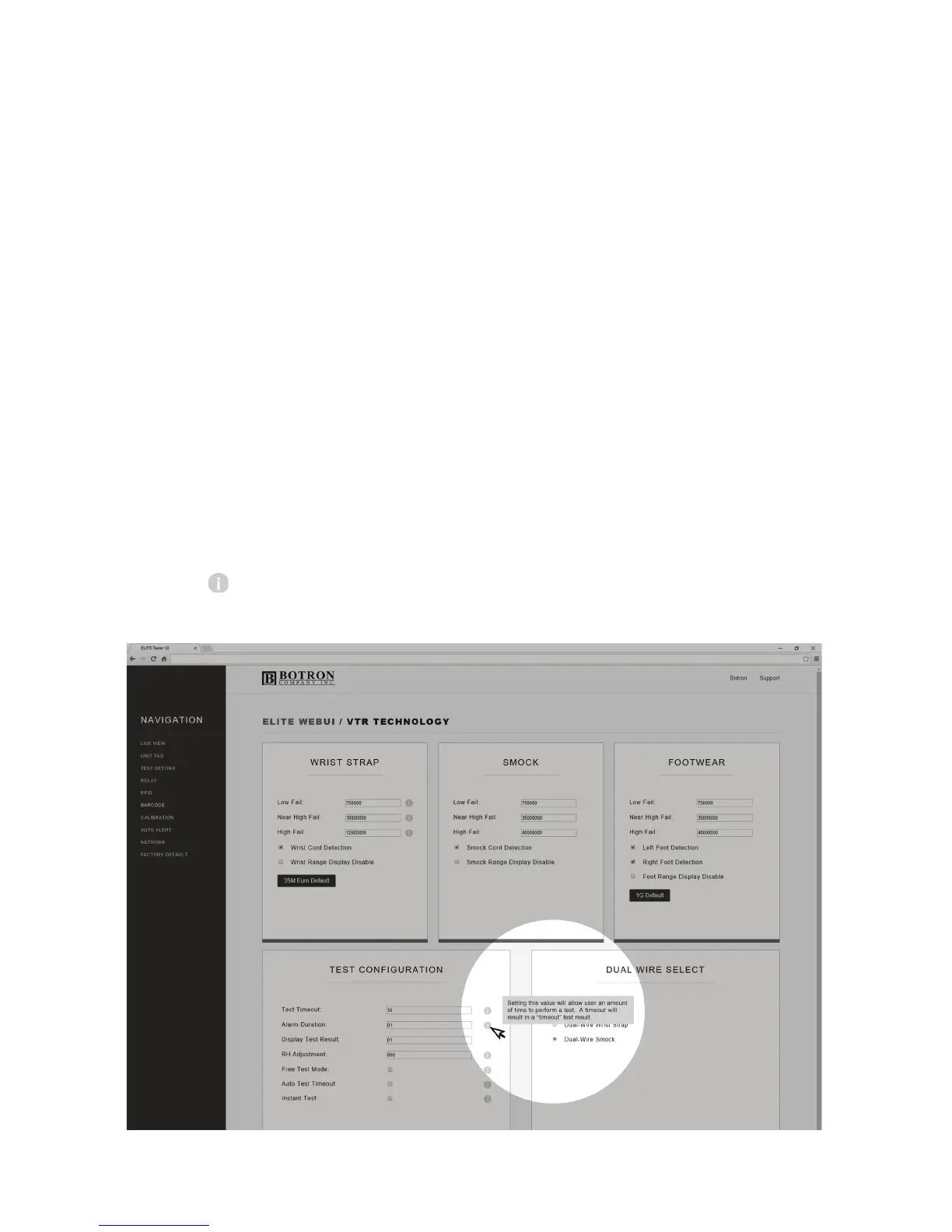
Look for Tooltips on the Web UI screens for a more detailed explanation
on each feature.
P2


 To Next Page