P7
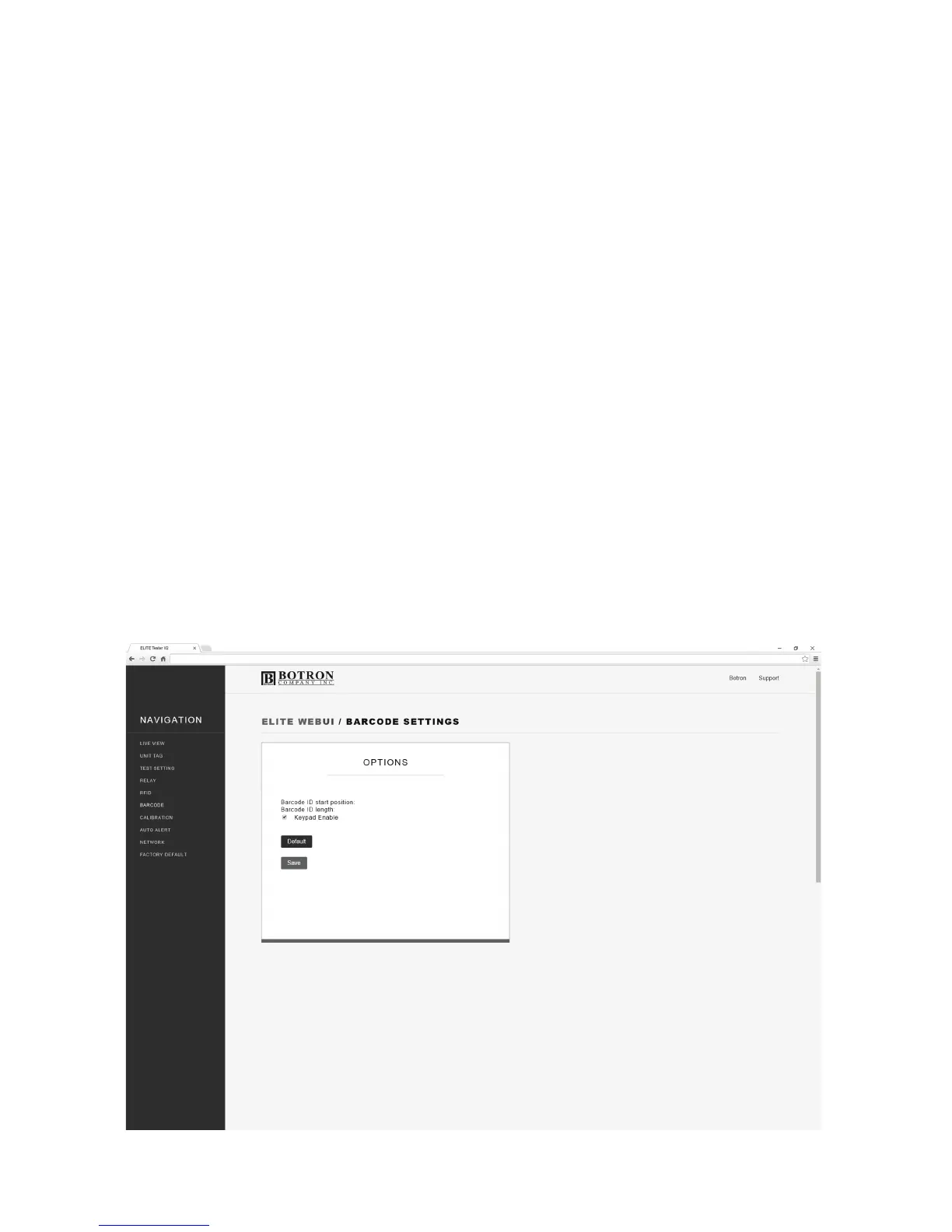
BARCODE SETTINGS
For those with barcode type IDs, in this tab you can control what
information the scanner needs to read. In some cases, a barcode may start
and/or end with characters not prudent to the ID number itself.
Barcode ID start position:
This is where the scanner begins reading the characters of the Barcode.
Barcode ID length:
This is how many characters of the string from the start position the
scanner will read.
Keypad Enable:
Enable/Disables keypad ID input.


 To Next Page