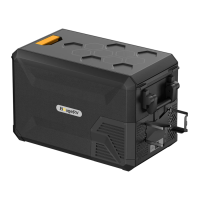
Power Supply
5.Function and Operation
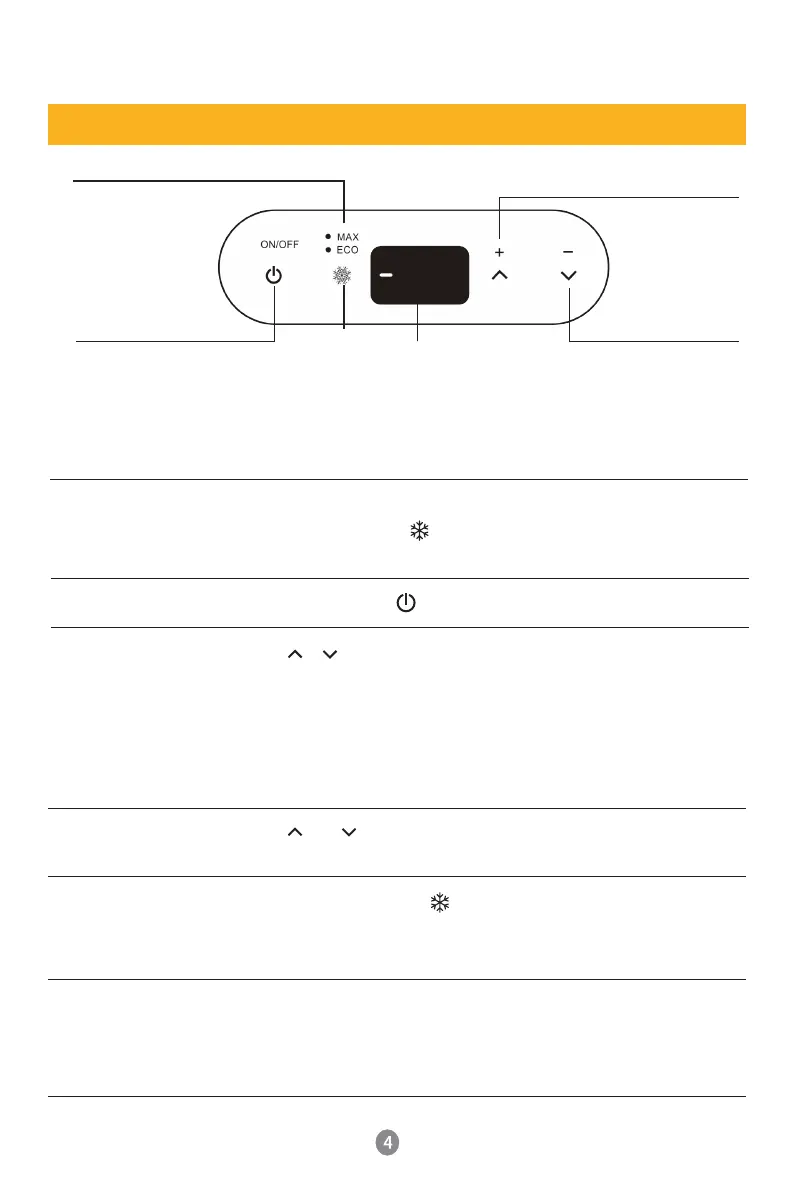
Display Screen
Initialization
At the moment when the refrigerator is powered on, you will
hear a beep, and the of display will keep flashing.
(Note: You can't operate until the refrigerator is turned on)
Turn on/off
Press and Hold the 3~5 seconds to turn on the refrigerator.
Temperature
Setting
Press or for temperature setting, the setting will be saved
automatically after stopping operating for 4 seconds.
Keep holding the button, the temperature will be adjusted fastly.
(Note: the temperature displayed is the current temperature of
the compartment. it will take a while to reach the set
temperature.) Temperature setting range: -20~+10℃(-4~50℉)
Temperature Unit
Switch
Press and at the same time 3~5 seconds to switch Celsius (℃)
/Fahrenheit(℉). (Factory setting is H)
MAX/ECO Mode
Switching
In working status, press to switch MAX/ECO mode.
ECO (Green light): Energy Saving Mode, 45 watts.
MAX (White light): Fasting Cooling Mode, 60 watts.
Battery Protection
Mode
At the bottom of the refrigerator is the socket, where you can
switch HIGH, MEDIUM or LOW levels. We suggest to set high
level of the fridge when connect with car battery. To set medium
and low levels when with other batteries. (Factory setting is H).
MAX/ECO Switching
Display Area
Temperature increase
Touch key
Temperature
display area
Temperature Down
Touch key
ON/OFF Touch Screen Key
Refrigeration
touch screen
Connect to 12/24 DC power(use in car, truck or power station)
Connect to 110~240V AC power( use home outlet or ac outlet of
power station)
04
°
F


 To Next Page