2-1
Operation
Operation
Powering Up
With all connections made, you are ready to listen to your Boulder 1160
Stereo Power Amplier.
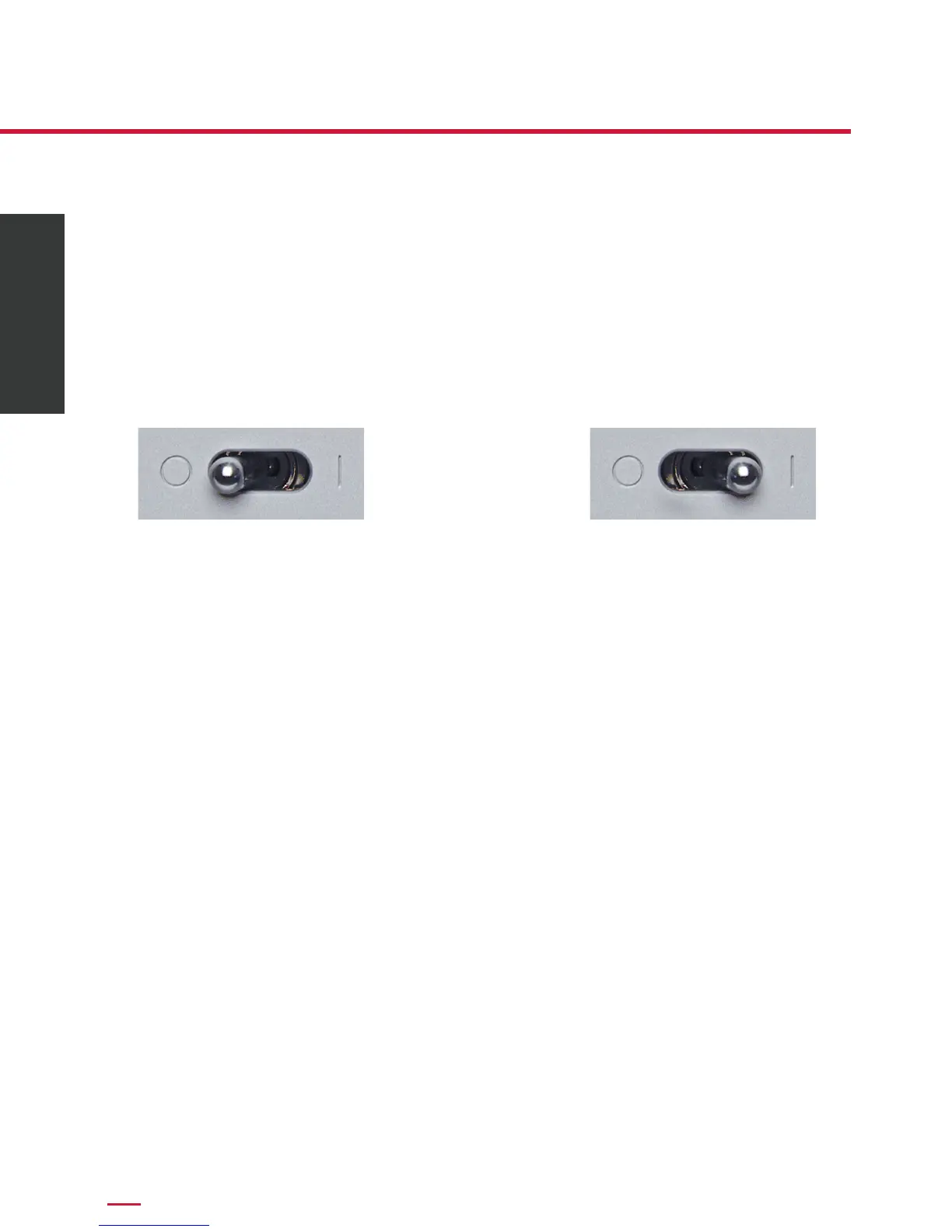
To turn the amplier on, slide the rear panel Master AC Switch to the ON
position. The amplier will go through a turn-on sequence, during which
time the power LED will illuminate red.
The LED will then slowly pulse white on and off, indicating that the
supervising microprocessor is powered up. At this time, press the front
panel button to bring the unit out of Standby mode.
Because of the large inrush currents associated with the two large toroidal
transformers, four power relays are used to turn on the amplier. These
are under control of the supervising ARM processor. During the power up
sequence, you will hear two sets of two relay clicks, separated by intervals
of two seconds.
Once powered up, the front panel LED will steadily glow white to indicate
normal operation.
To turn the amplier off, press the Standby button again. The indicator
will then slowly and continuously change from white, to dark, and back to
white. This indicates that the amplier is in Standby mode.
NOTE: Because the 1160 greatly reduces power consumption when in
Standby mode, it is only necessary to place the amplier in Standby when
not in use. You do not need to turn the 1160 off via the Master AC Switch
on the rear panel. The 1160 was designed for years of operation in this
manner and no damage to the unit will occur.
Power Off Power On



 To Next Page