25
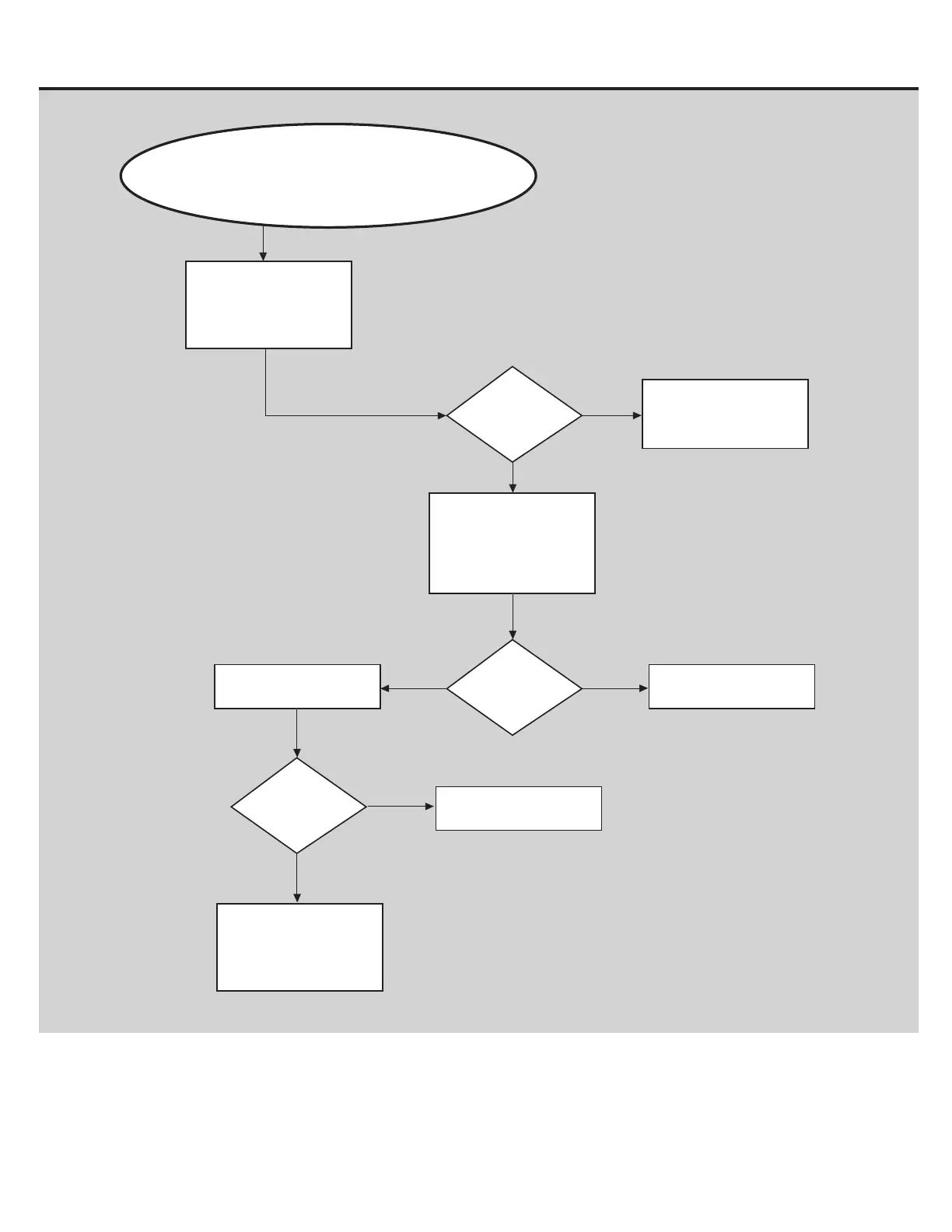
Buttons Do Not Respond
BEGIN HERE
Is the display
blank?
NO
YES
Check and re-seat the I/O
cable connections at
MCB, base of Upright, and
top of Upright.
If the Console powers up and the Start
button beeps or causes the Display to
change, then the Console is NOT defective.
Refer to “NoPower”
troubleshooting procedure
Cycle the power off/on. If
the issue persists
continue on with the
troubleshooting.
Is the issue still
present?
YES
NO
Replace I/O Cables
Issue resolved
Issue resolved
Is the issue still
present?
NO
YES
Contact
Tech Support at
800.861.7401
for further assistance.















 To Next Page