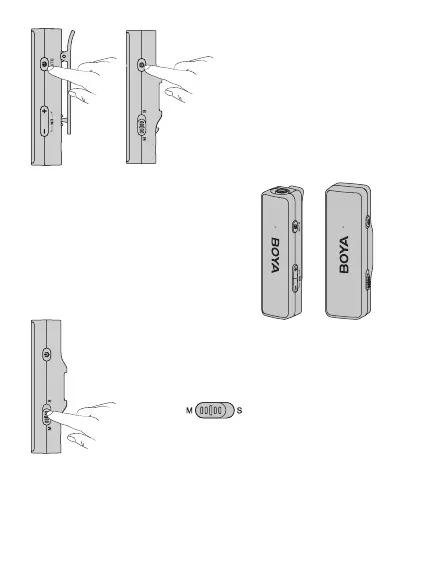
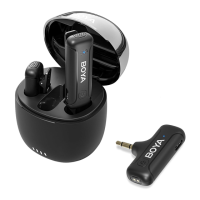
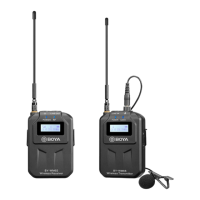
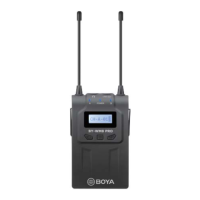
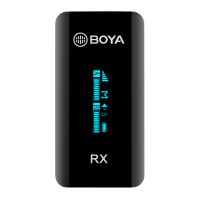
3. Press and hold the
power buttons to turn the
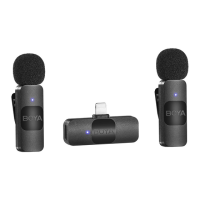
transmitter(s) and receiver on.
4. The transmitter(s) and receiver will
be automatically paired as soon as it is
switched on. The indicators of both are
static blue.
5. Toggle
to select either mono
or stereo output mode.
6. It is recommended to record a sample and play it back to check if the
audio level is acceptable before recording.
07



 To Next Page