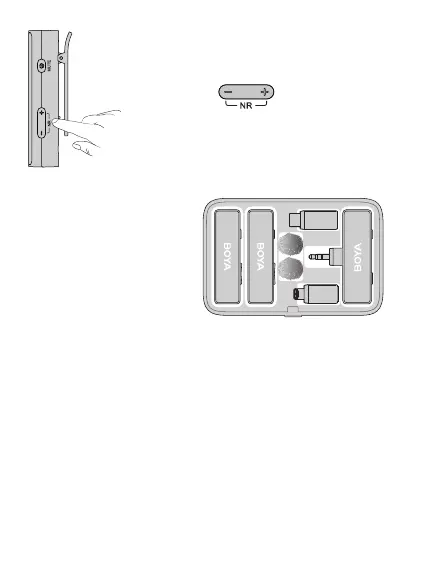
7. In order to improve the recording eect in a noisy
environment, it is recommended that press the "+"
and "-" buttons on the transmitter(s) at
the same time to enable noise cancellation.
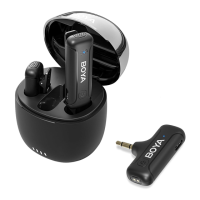
8. After recording, put the
transmitter(s) and receiver back
into the case for charging.
Troubleshooting
If you encounter problems when using the unit, please refer to the
following checklist before contacting technical support. If the problem
cannot be solved, please contact the dealer's after-sales service
department.
If there is no sound from the unit or no sound when connected to an
external device
①
Make sure the adapter on the receiver is well connected to your device.
Or remove the adapter and wipe the charging contacts with a clean cloth.
②
Make sure the mic gain is not turned to minimum.
③
Make sure the unit is not muted.
08



 To Next Page