6
How to Use
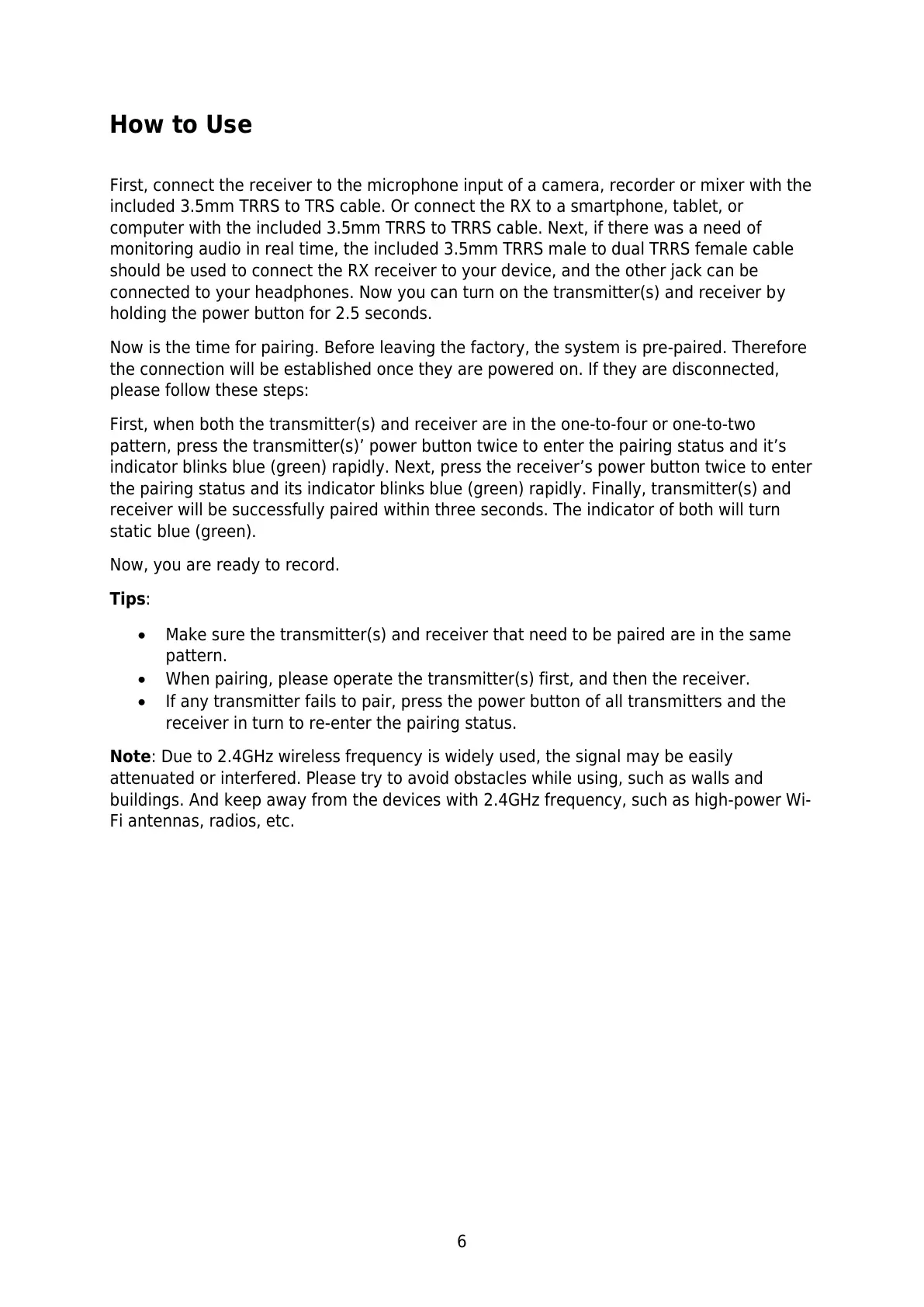
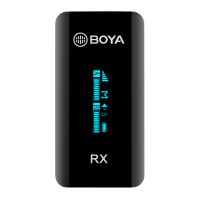
First, connect the receiver to the microphone input of a camera, recorder or mixer with the
included 3.5mm TRRS to TRS cable. Or connect the RX to a smartphone, tablet, or
computer with the included 3.5mm TRRS to TRRS cable. Next, if there was a need of
monitoring audio in real time, the included 3.5mm TRRS male to dual TRRS female cable
should be used to connect the RX receiver to your device, and the other jack can be
connected to your headphones. Now you can turn on the transmitter(s) and receiver by
holding the power button for 2.5 seconds.
Now is the time for pairing. Before leaving the factory, the system is pre-paired. Therefore
the connection will be established once they are powered on. If they are disconnected,
please follow these steps:
First, when both the transmitter(s) and receiver are in the one-to-four or one-to-two
pattern, press the transmitter(s)’ power button twice to enter the pairing status and it’s
indicator blinks blue (green) rapidly. Next, press the receiver’s power button twice to enter
the pairing status and its indicator blinks blue (green) rapidly. Finally, transmitter(s) and
receiver will be successfully paired within three seconds. The indicator of both will turn
static blue (green).
Now, you are ready to record.
Tips:
Make sure the transmitter(s) and receiver that need to be paired are in the same
pattern.
When pairing, please operate the transmitter(s) first, and then the receiver.
If any transmitter fails to pair, press the power button of all transmitters and the
receiver in turn to re-enter the pairing status.
Note: Due to 2.4GHz wireless frequency is widely used, the signal may be easily
attenuated or interfered. Please try to avoid obstacles while using, such as walls and
buildings. And keep away from the devices with 2.4GHz frequency, such as high-power Wi-
Fi antennas, radios, etc.



 To Next Page