17 18
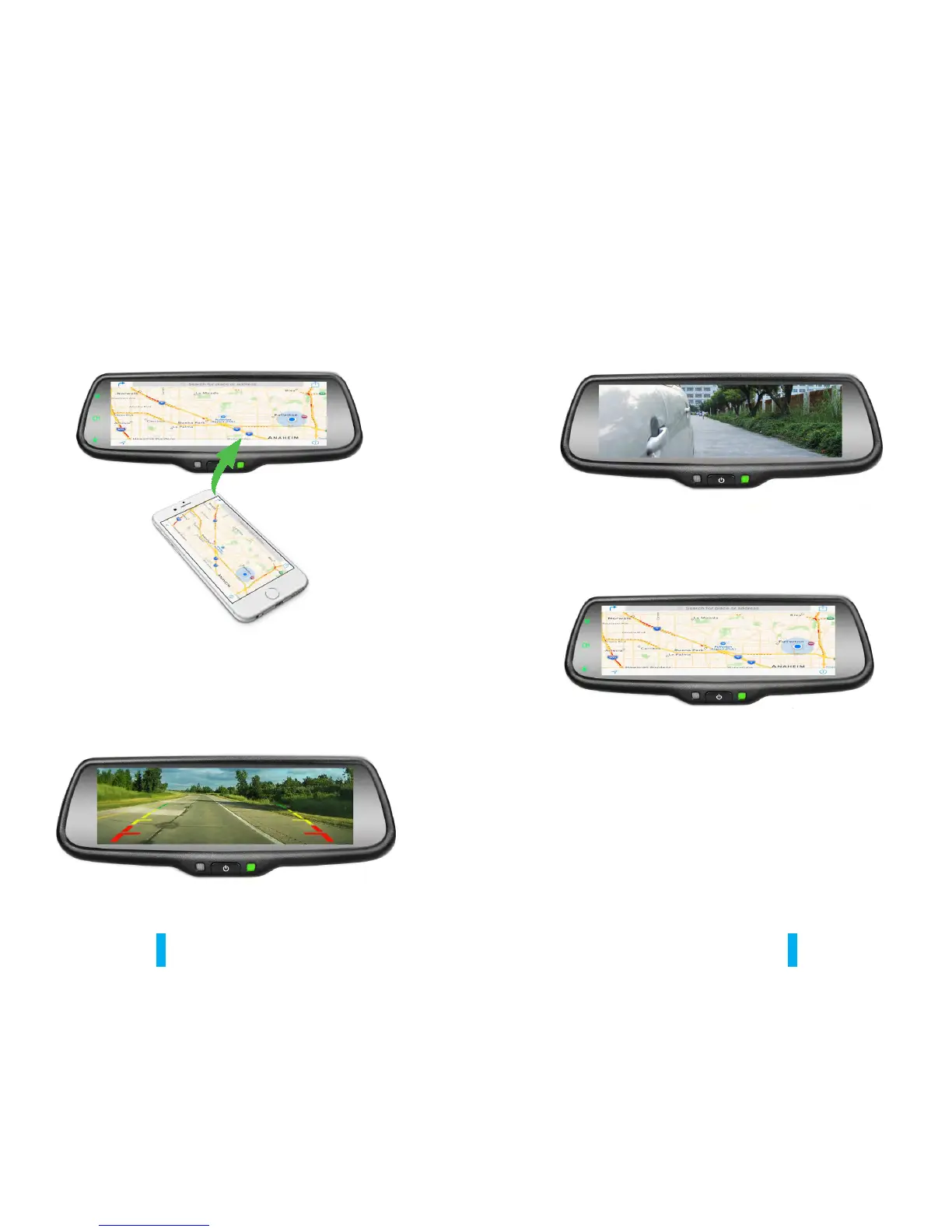
5.2 Channel switching
5.2.1 Full CAMERA screen display
5.2.2 Full VIDEO1 screen display
After finishing the connection, then the phone screen is projected to the
rear view mirror, you can press “CH” on TP button to choose “double mobile
dual mode”or “single-screen mode”.
Press the “CH” button on the screen to switch display among CAMERA,
VIDEO1, MOBILE, VIDEO1+MOBILE, MOBILE+VIDEO1, CAMERA+MOBILE,
and MOBILE+CAMERA.
5.2.3 Full MOBILE screen display


 To Next Page