VII. REMOTE MONITORING AND CONTROL
Following external connections are available at HP 300 series
• Communication By serial port connection
• Dry contact (interface board) connection
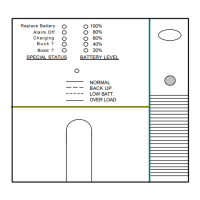
• Remote panel monitoring
7.1 Using Serial Port
A standart Serial communication port is installed to all HP 300 series UPS ,by using this port user can take all
information about UPS . All measured parameters ,alarms can monitor by this port. This port is interactive
and some commands for UPS is available these commands are listed below.
• Switch to BYPASS
• Switch to INVERTER
• SOUND on/off
• Adjust UPS time and date
• Start SIMULATION mode
• Short BATTERY TEST
• BATTERY TEST until battery low alarm
• CANCEL battery test
• Turn off UPS output voltage immediately (SHUTDOWN)
• Turn off UPS output voltage after delay (WAITING SHUTDOWN)
• Turn off UPS output voltage (SHUTDOWN) and turn on UPS output voltage (WAITING RESTART)
• CANCEL SHUTDOWN
• RENAME UPS
UPS will give response to these commands if the REMOTE: ENABLE opsion is selected from SETTINGS
MENU .
Apply Your local distrubitor, for supply available programs to monitor and control the UPS.
7.2 Serial Communication Cable
The maximum length for RS232 communication cable is 25 meters, cable connector pins are as fallowed :
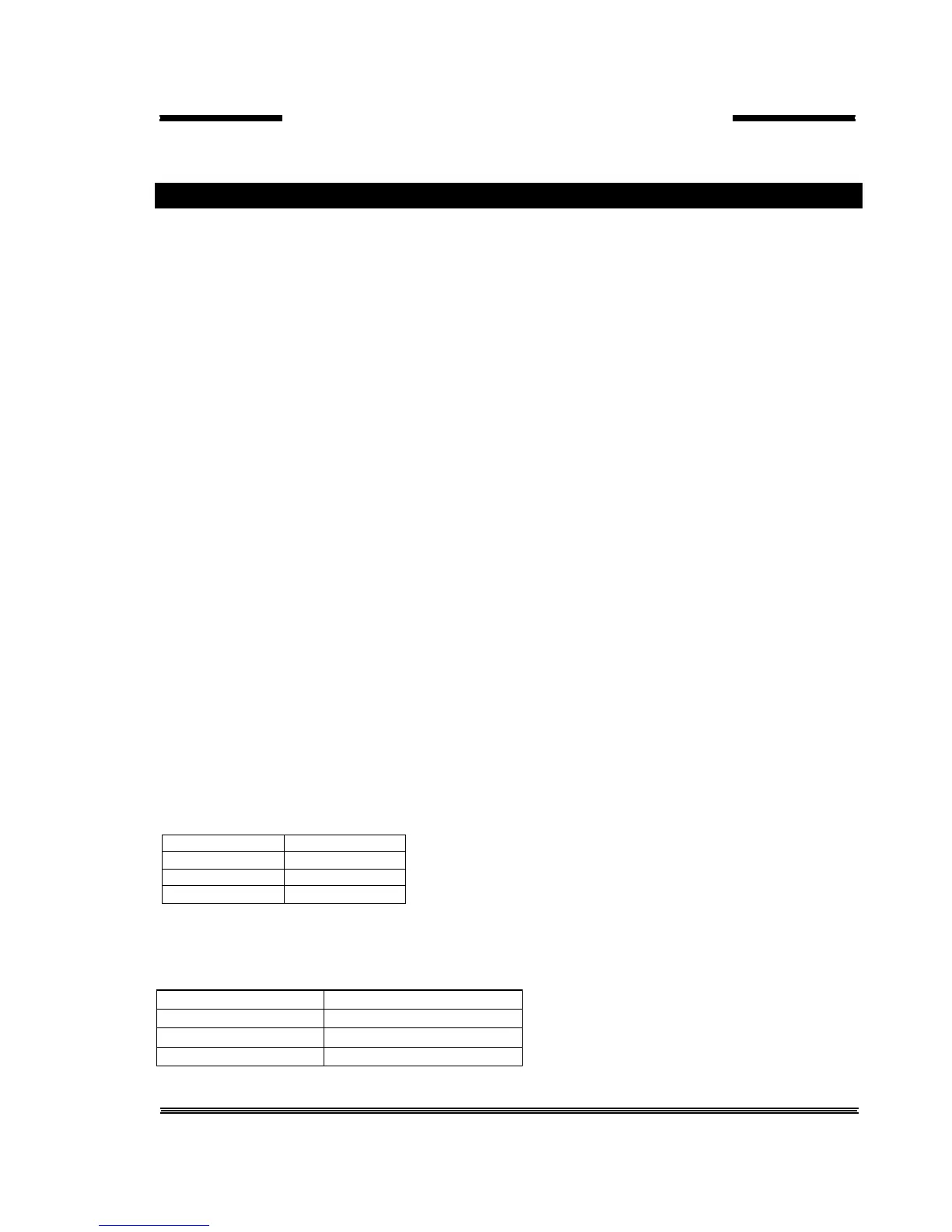
UPS side PC side
9 Tx 2 Rx
7 Gnd 5 Gnd
6 Rx 3 Tx
For remote panel – UPS connection this cable is okay.
SERIAL PORT SETUP
BAUD RATE 2400 baud
STOP BIT 1
DATABITS 8 BIT
PARITY None



 To Next Page