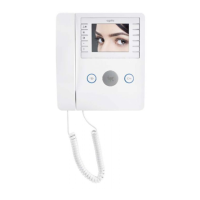
Programming access control with badges
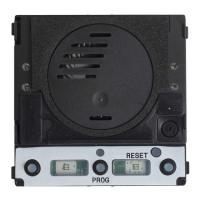
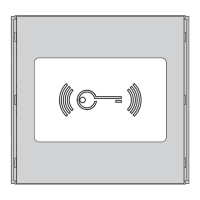
This procedure allows you to associate/remove badges with video entry system users (group) to control door release present in the
MTMA/01 MTMV/01 module.
Adding a badge
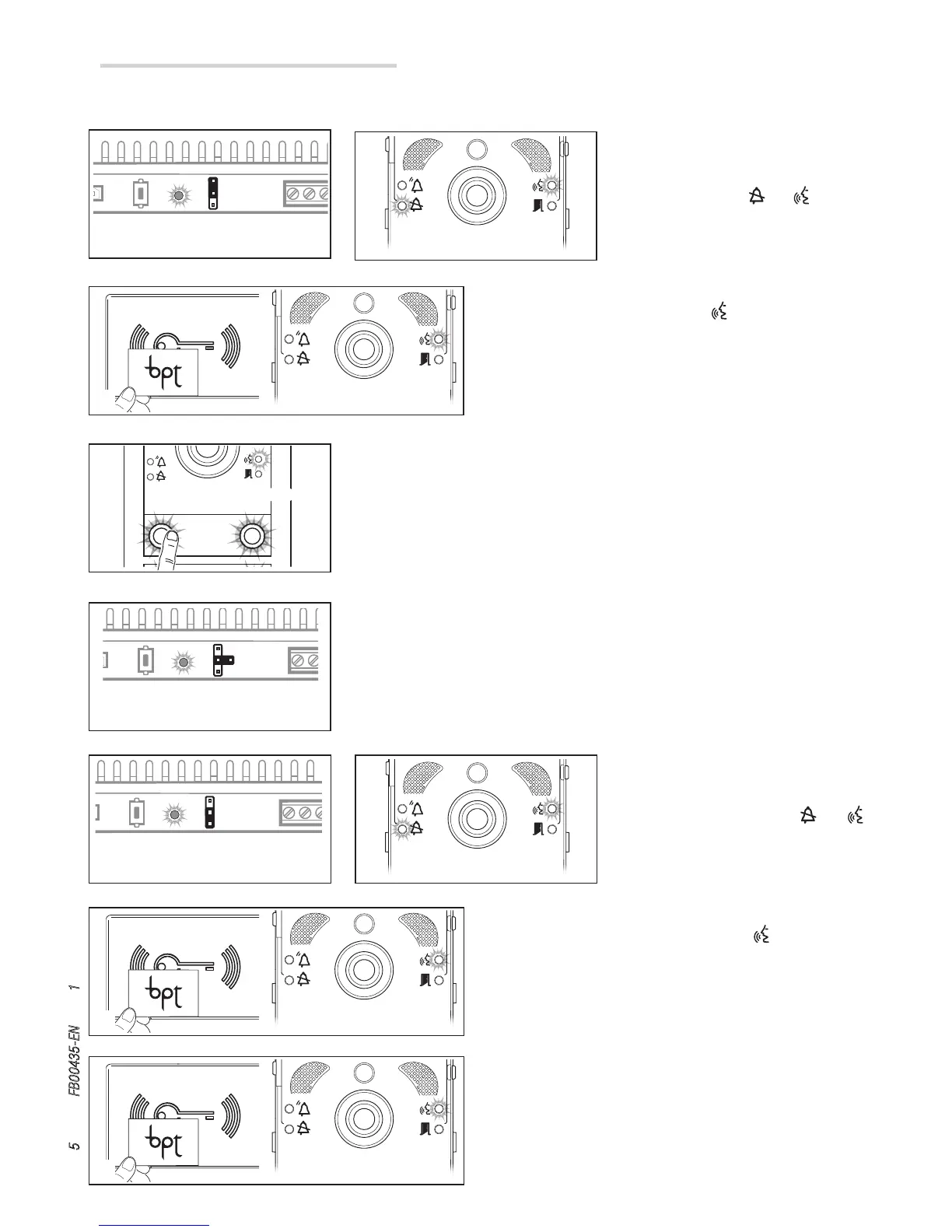
Set the RFID PROG jumper on the power
supply to “+” A. The PROG LED on the
power supply and the and indicator
LEDs will flash quickly B.
Swipe the badge to be programmed.
If the badge is valid, the indicator LED remains on and steady
and you move on to the next stage of programming C.
Press the group call button with which to associate the badge. A long tone will confirm
the correct procedure D.
N.B.
- In each of the two stages of programming, any error condition will be indicated
by three quick beeps. Repeat the stage correctly.
-You can associate up to 5 badges per group.
At the end, reposition the RFID PROG jumper in the rest position E.
Deleting a badge
Set the RFID PROG jumper on the power
supply to “–” F. The PROG LED on the
power supply flashes and the and
indicator LEDs will flash slowly G.
Move a badge relative to a group close to the reader or swipe the
badge. If the badge is valid, the indicator LED remains on and
steady and you move on to the next stage of programming H.
Swipe the badge again to confirm the operation. A long tone will
confirm the correct procedure I.
N.B. In each of the two stages of programming, any error
condition will be indicated by three quick beeps.
Repeat the stage correctly.


 To Next Page