34
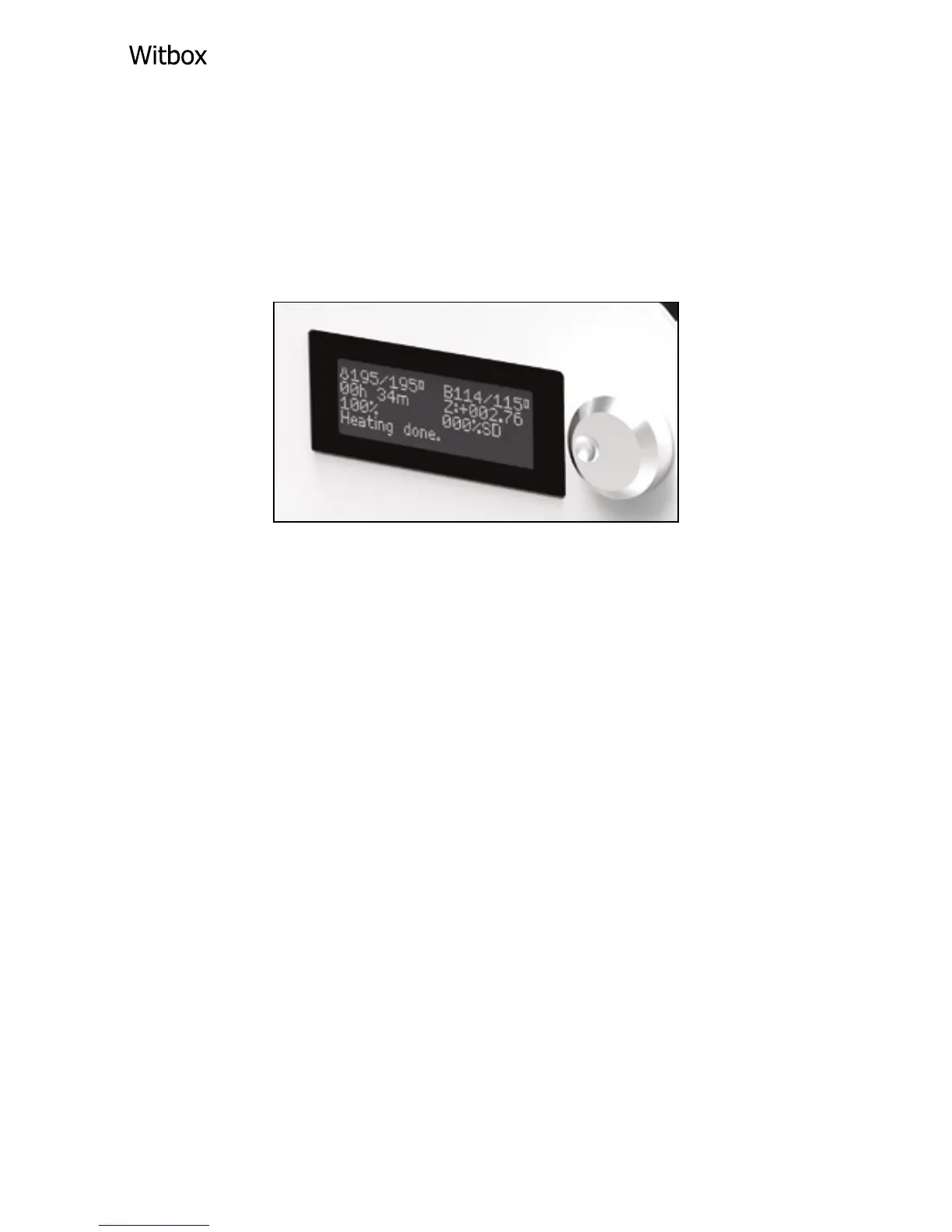
LCD screen
When you switch on the bq Witbox the LCD
screen will display information regarding the
status of the printer, the temperature, the project
or le name, etc.
Next to the LCD screen is the control wheel that
allows you to access the printer menu. Press the
wheel and turn it to the left or to the right in order
to scroll through the various options. Choose an
option by pressing the wheel.
Filament Spool
The box also contains a spool of lament. Place
the spool on the rear of the printer, as shown
below:



 To Next Page