37
START PRINTING IN 3D
Levelling the print base
The Witbox is comprehensively calibrated and
tested at the factory. To start printing 3D objects
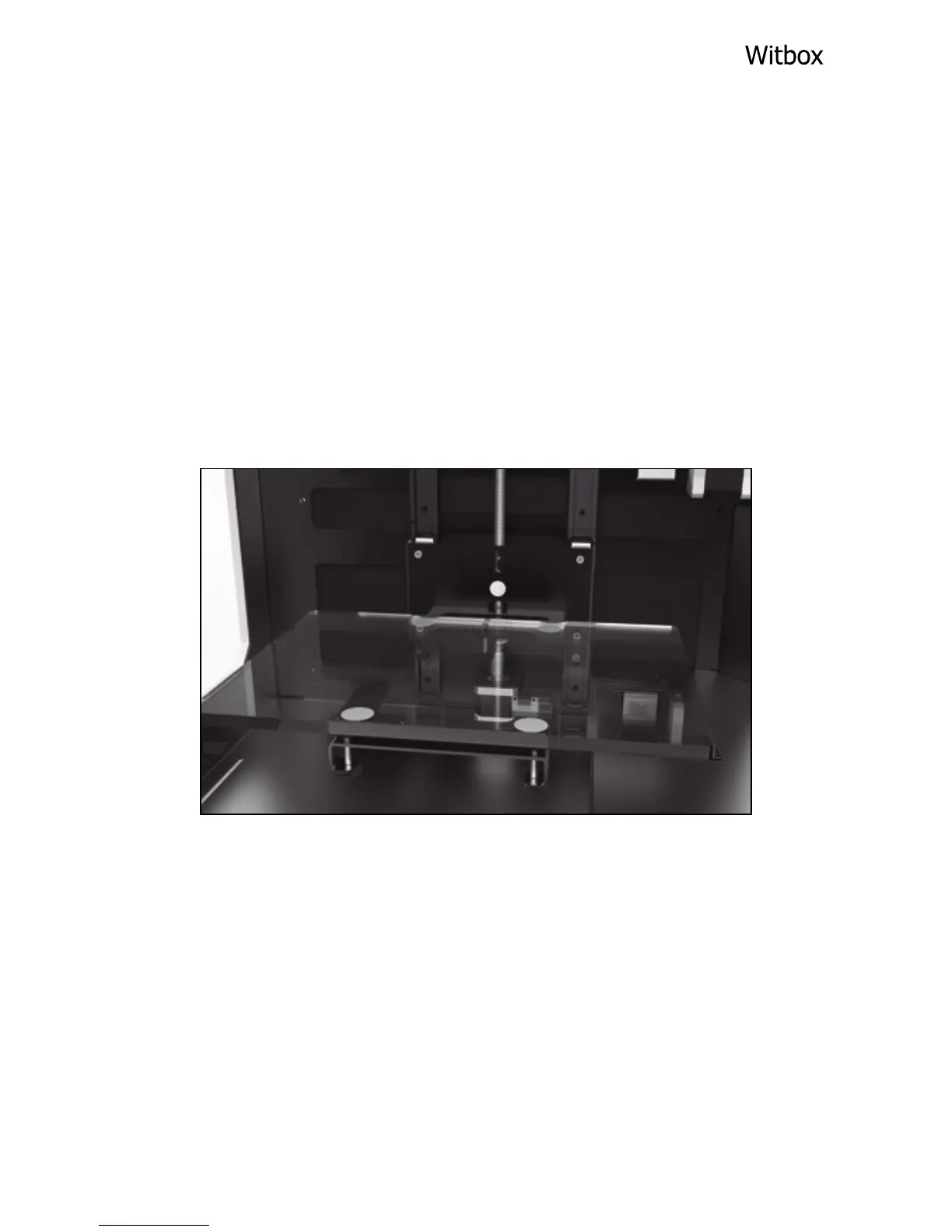
you must place the print base inside the printer.
To position and level the print base, rst place it
inside the printer.
Then press the control wheel and go to Control >
Level plate. The extruder will position itself at
three different points around the print base. For
each point you will have to adjust the screw
(located underneath the print base) in order to
raise or lower the base.



 To Next Page