36
Power Supply/Switching On
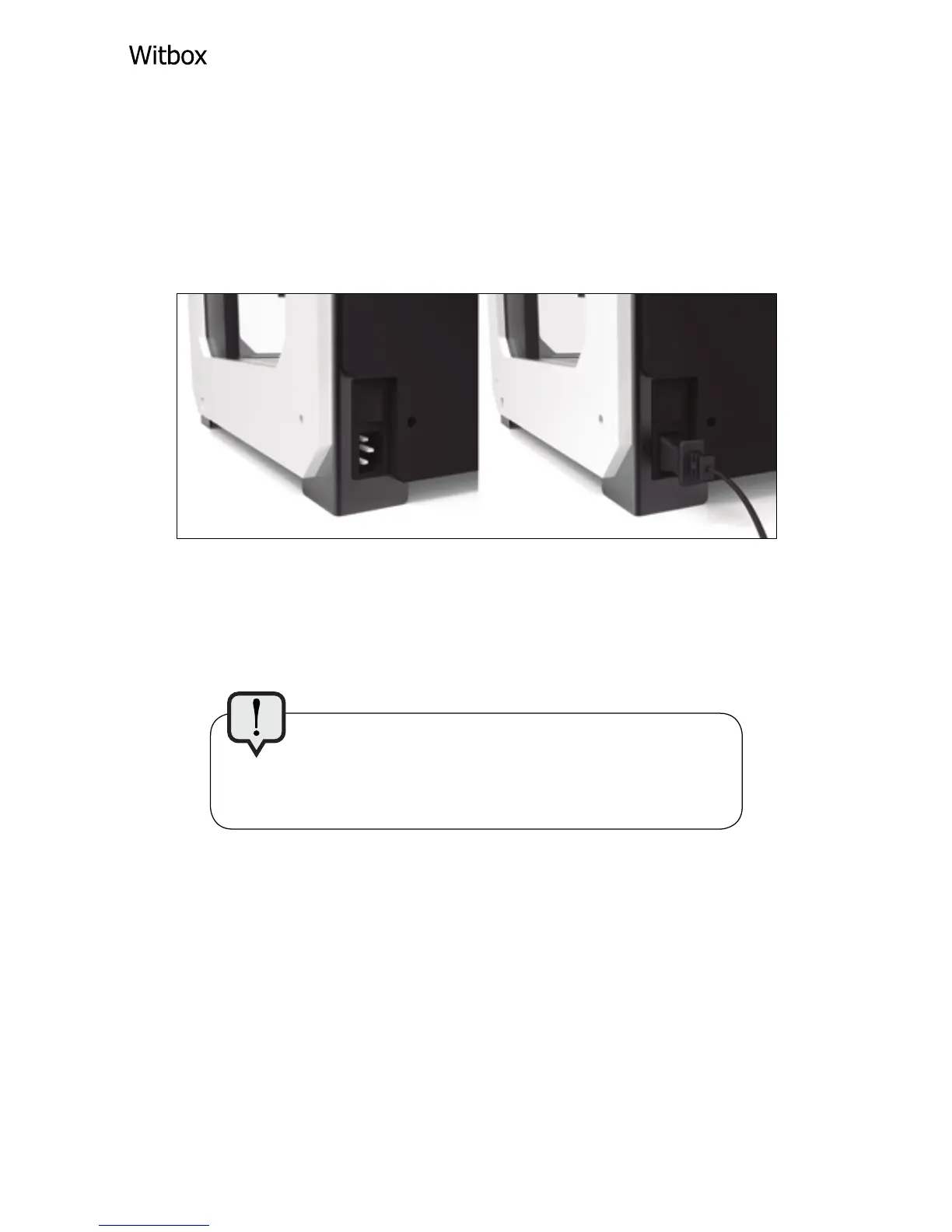
In the box you will also find the power cable.
Insert it into the socket located at the back of
the printer near the bottom.
Connect the other end of the cable to the mains
socket and then switch on your Witbox.
Make sure the printer switch is in the Off
position before connecting the power cable to
the mains.



 To Next Page