38
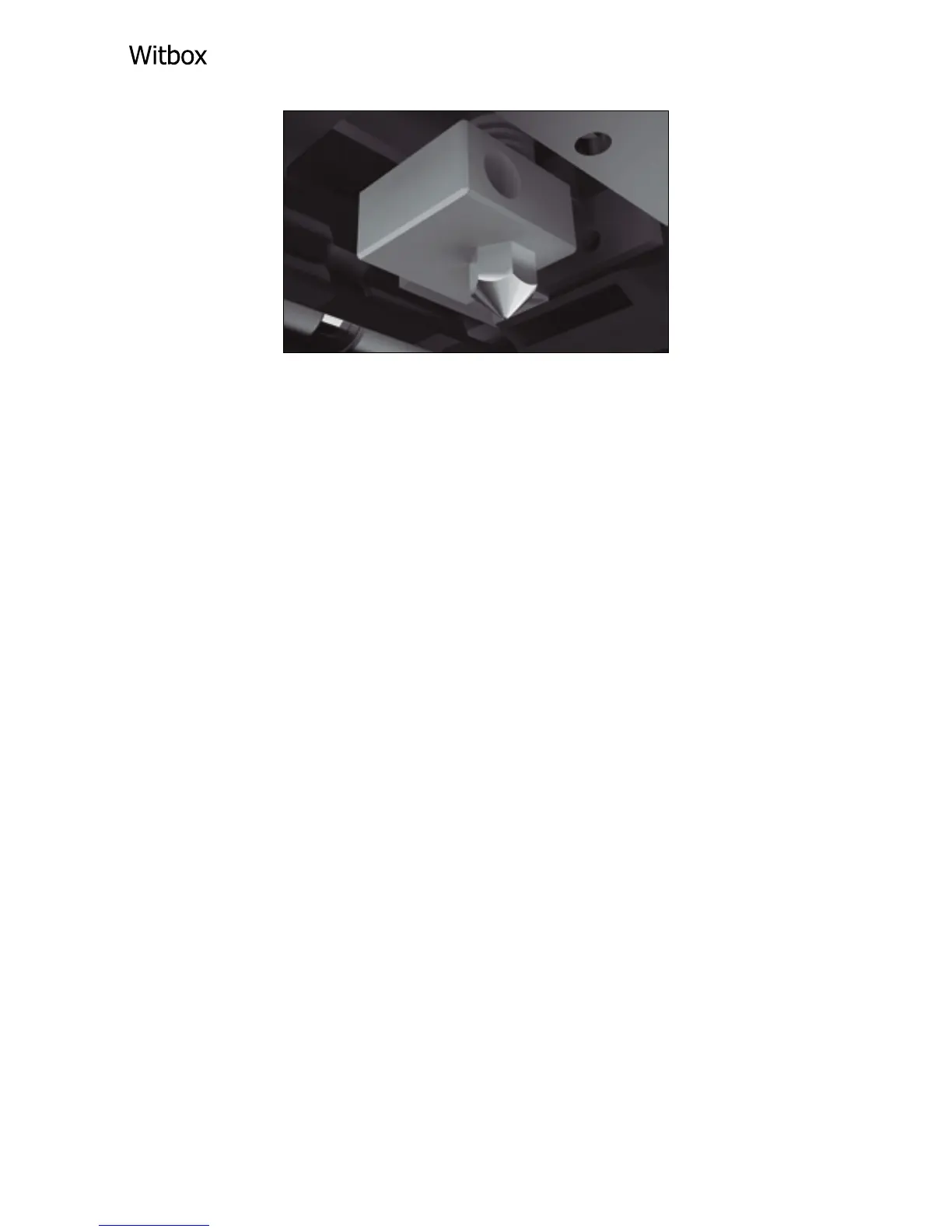
The distance between the extruder nozzle and
the print base must be equivalent to the
thickness of a sheet of paper; i.e. there should be
just enough room to pass a sheet of paper
between the nozzle and the base.
When you have adjusted the rst levelling point,
press the control wheel in order to adjust the
other two.
Printing a Sample Object via the SD Card
The box also contains an SD card with a number
of sample 3D models.
Insert the card into the corresponding slot on
your bq Witbox and go to the Print from SD.
option via the main menu. Select the object you
wish to print. The printer will begin by carrying
out a referencing process, before heating the
lament and starting to print.



 To Next Page