MAINTENANCE & SERVICE
9401 7-27-07-2
3. Check to be sure the new planetary is
lled with oil. If not, ll with approximately
2 quarts of Castrol SP 320 gear oil.
4. Remove the hydraulic motor from the
planetary. Scrape
any silicone from the
hydraulic motor and apply new RV 10 sili-
cone to the motor to seal the connection
between the motor and the planetary.
Bolt the hydraulic motor onto the new
planetary using the existing hardware.
5. Position
the new planetary into the
planer housing and reinstall the .62"
capscrews, at washers and lock nuts.
Check to ensure that the hydraulic motor
is in the correct position with the ports
turned up. Torque to specication
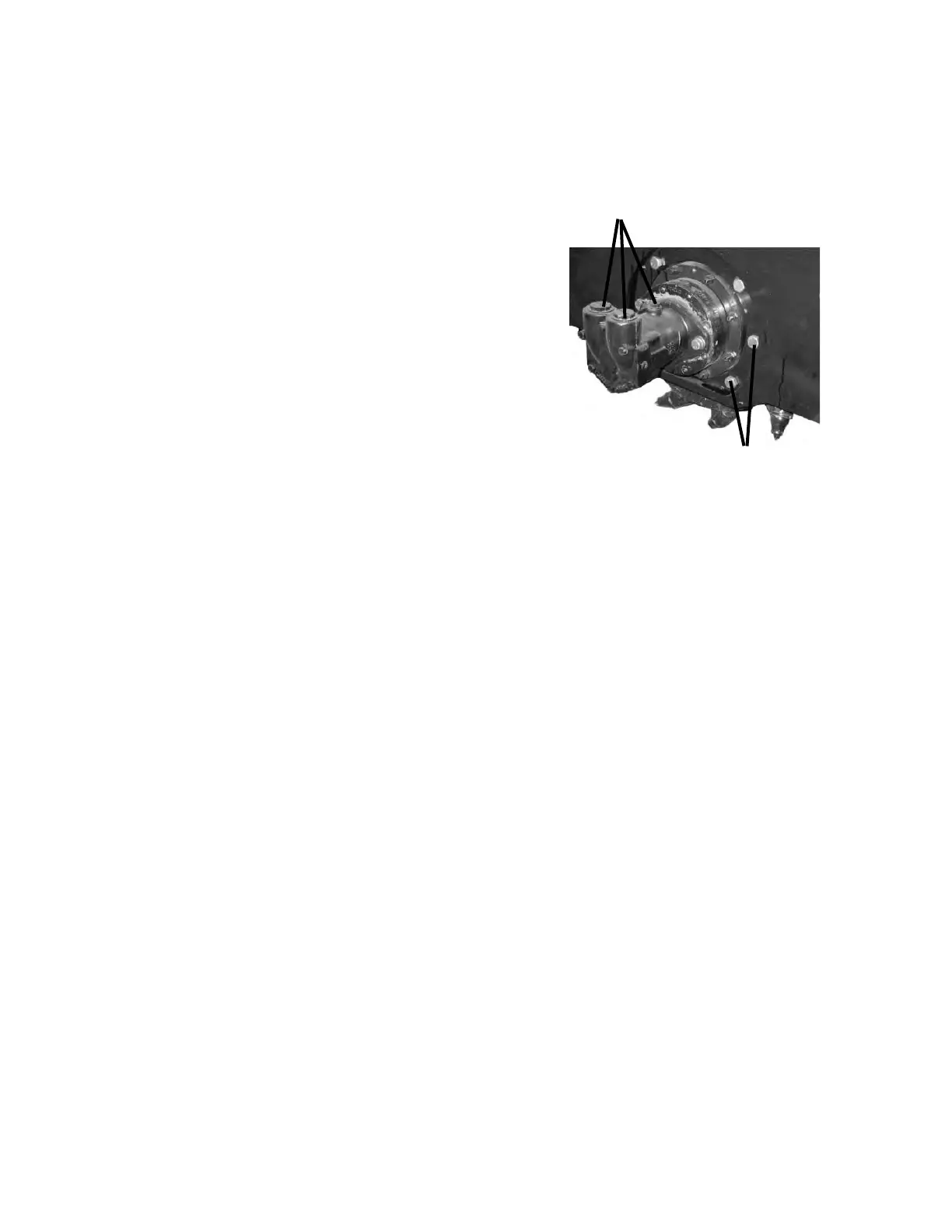
TAG AND REMOVE
HYDRAULIC HOSES
FROM MOTOR
REMOVE PLANETARY FROM PLANER BY
UNBOLTING .62" X 2.50" CAPSCREWS
6. Reinstall the drum as described in "CHANGING THE DRUM".
7. Re-connect the hydraulic hoses and ttings to the motor.
CHANGING HYDRAULIC MOTOR
1. Position the planer on its side or in such a fashion that the planetary oil will not leak out
when replacing the motor.
2. Tag and disconnect the power and return hoses along with the case drain hose from the
hydraulic motor.
3. Remove the capscrews securing the motor to the planetary.
4. Scrape the mating surface of the planetary, removing all existing silicone, to prepare it for
the new motor.
5. Apply new RV 10 silicone to the motor to seal the connection between the motor and the
planetary. Bolt the new hydraulic motor onto the planetary using the existing hardware.
(Check to ensure that the hydraulic motor is in the correct position with the ports turned
up.) Torque to specication
6. Re-connect the hydraulic hoses and ttings to the motor.



 To Next Page