16 Bradyprinter 200MVP and 300MVP User’s Guide
&RQILJXULQJWKH6RIWZDUHRI3ULQWHU'ULYHU
Many printer settings may also be controlled by your printer’s driver or label
preparation software. Refer to the driver or software documentation for more
information.
3ULQWLQJD7HVW/DEHO
To print a test label:
1. Turn off the printer.
2. Press and hold the CANCEL key while
turning on the printer.
3. Release the key after the DATA light turns
off (approximately five seconds).
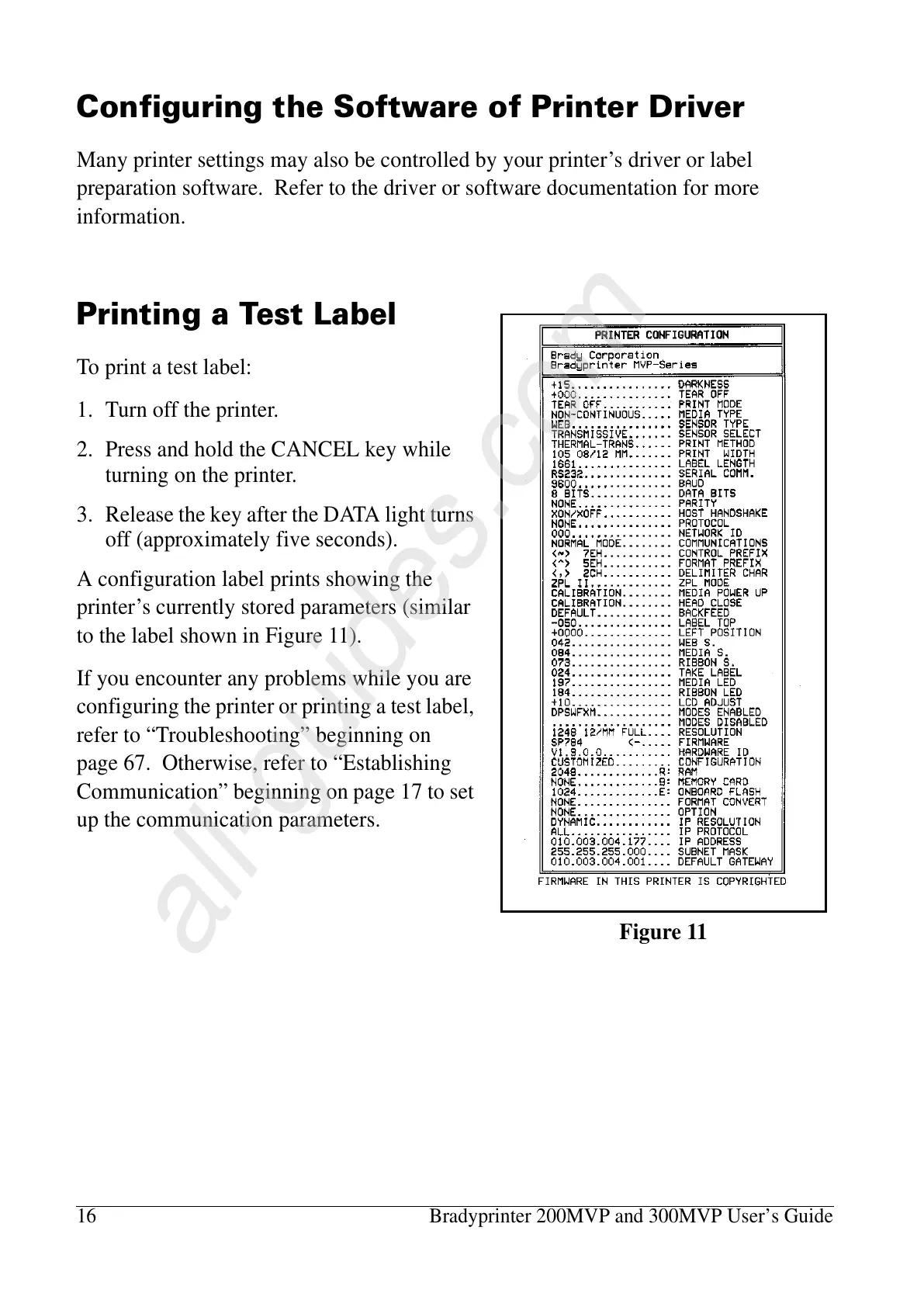
A configuration label prints showing the
printer’s currently stored parameters (similar
to the label shown in Figure 11).
If you encounter any problems while you are
configuring the printer or printing a test label,
refer to “Troubleshooting” beginning on
page 67. Otherwise, refer to “Establishing
Communication” beginning on page 17 to set
up the communication parameters.
Figure 11















 To Next Page