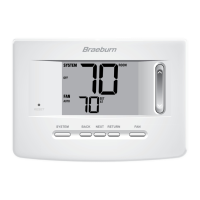
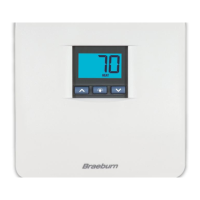
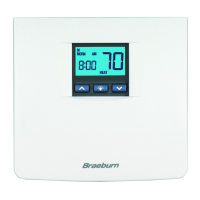
cont.
6
4.4
Setting Your Energy Saving Programs–Tips Before Starting
PROGRAMMING
4
Programming Overview
Your thermostat contains separate Weekday and Weekend Program Groups that allow you to
change the daily setpoint times and temperatures to meet your individual schedule needs.
Weekday - allows you to program all the weekdays (M, TU, W, TH, F will show in display) at the
same time. Allows programming times and temperature settings for four setpoints (MORN, DAY,
EVE and NIGHT) to meet your weekday schedule needs.
Weekend - allows you to program all the weekend days (SA, SU will show in the display) at the
same time. Again allows programming times and temperature settings for four setpoints
(MORN, DAY, EVE and NIGHT) to meet your weekend schedule needs.
Setting Recirculating Fan Cycle (see also section 5.7)
• Make sure you place the system switch in the HEAT or COOL modes of operation as
appropriate. You should not enter a program in the OFF position.
• When the system switch is in the COOL or HEAT modes of operation, the appropriate indicator
will appear in the LCD display when the system is running. When the system switch is in the
OFF mode the display will indicate OFF.
12.
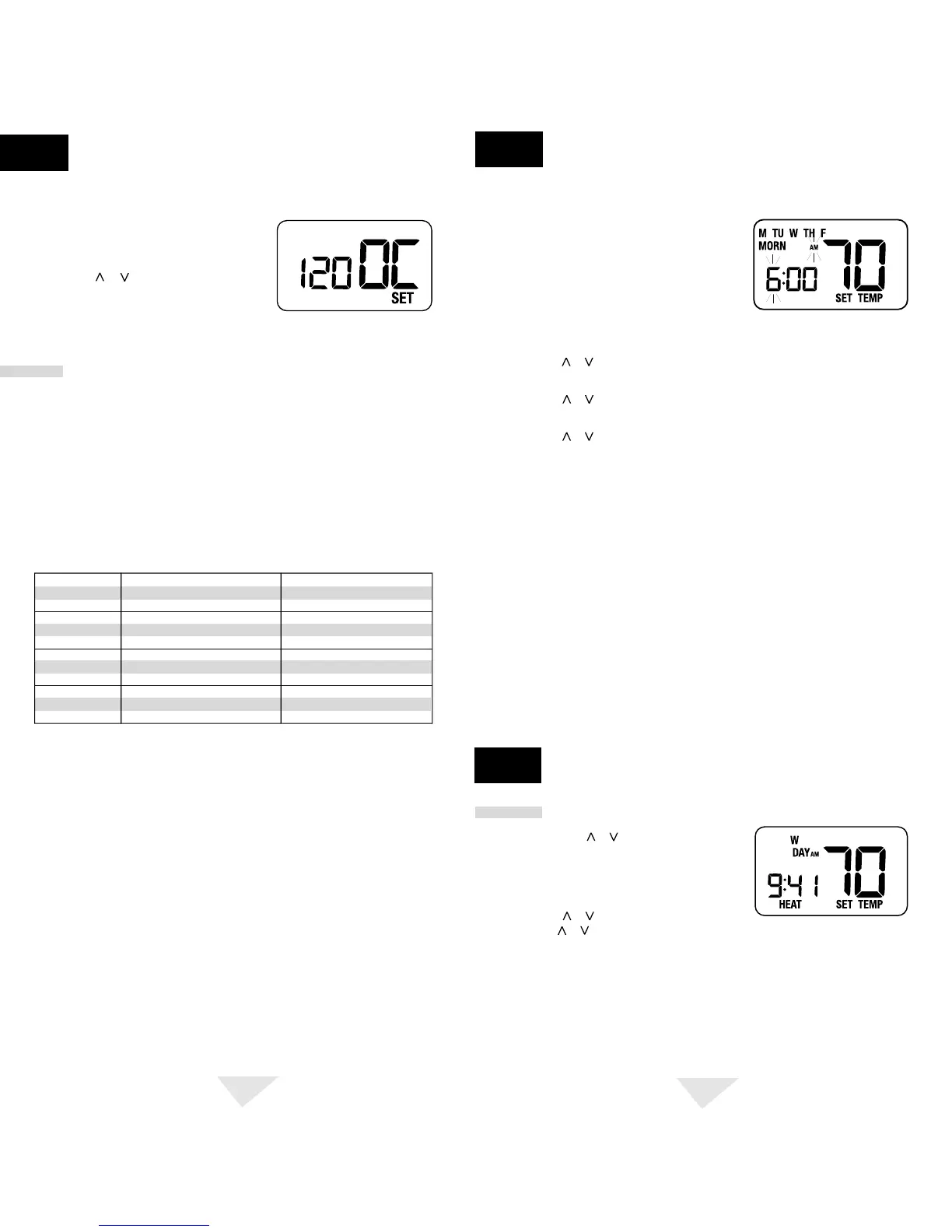
After pressing the RETURN button again, the
display will show "XXX OC SET” where XXX is
the Recirculating Fan off cycle.
13.
Press the or button to change the
Recirculating Fan off cycle to the desired value
of 120, 60, or 40 minutes.
14.
Press the RETURN button again to return to the normal mode, or wait 15 seconds for the
thermostat to return automatically.
Weekday Weekend
MORN
DAY
EVE
NIGHT
Time: 6:00 pm
Heat: 70˚ F (21˚ C)
Cool: 75˚ F (24˚ C)
Time: 8:00 am
Heat: 62˚ F (17˚ C)
Cool: 83˚ F (28˚ C)
Time: 6:00 am
Heat: 70˚ F (21˚ C)
Cool: 75˚ F (24˚ C)
Time: 10:00 pm
Heat: 62˚ F (17˚ C)
Cool: 78˚ F (26˚ C)
Time: 6:00 pm
Heat: 70˚ F (21˚ C)
Cool: 75˚ F (24˚ C)
Time: 8:00 am
Heat: 70˚ F (21˚ C)
Cool: 75˚ F (24˚ C)
Time: 6:00 am
Heat: 70˚ F (21˚ C)
Cool: 75˚ F (24˚ C)
Time: 10:00 pm
Heat: 62˚ F (17˚ C)
Cool: 78˚ F (26˚ C)
• It is important for you to set the current time of day (note the AM/PM indicator in the display),
and the current day of week correctly to avoid problems with program execution. This must
be done prior to entering any program settings.
• The heating and cooling programs have both separate setpoint times and setpoint temperatures.
• This thermostat is preprogrammed with weekday and weekend setpoint times and temperatures
recommended by the Environmental Protection Agency and the U.S. Department of Energy in
their ENERGY STAR
®
program. These settings provide efficient energy savings during normal
heating and cooling modes of operation. If you wish to use the settings in the table, no further
programming is necessary. Review these time and temperature settings prior to establishing your
personal program settings to maximize your savings, and minimize programming requirements.
5.1
Review Set Temperature
1. Press and hold or button. The current setpoint
temperature will be displayed in place of the
current room temperature, and the indicator SET
TEMP will be displayed.
2. The display will return to normal operating mode
when the or button is released. Continuing to
hold the or button for 3 seconds or longer will allow the user to temporarily override
the current programmed setpoint (See Temporary Program Override).
7
NOTE:
To erase all entered programs, current time of day, day of week and other user
settings, gently press the RESET button using a paper clip or a small pencil tip. This will
return all thermostat settings to their default values.
5. Press the or button to change the setpoint temperature to the desired setting in 1˚ F
increments (0.5˚ C), press the PROG button to save. The thermostat will now display the
DAY setpoint time and temperature. Again, you will see the hour portion of the setpoint time
and the AM/PM indicator will be flashing.
6. Follow steps 3 through 5 to set the setpoint times and temperatures for the MORN, DAY,
EVE and NIGHT setpoints for the Weekday group in the HEAT mode.
7. After pressing the PROG button, you will enter the Weekend Program Group. The display
will show SA, SU to indicate the Weekend group is being programmed. The hour portion
of the MORN setpoint time and the AM/PM indicator will be flashing.
8. Follow steps 3 through 5 to set the setpoint times and temperatures for the MORN, DAY,
EVE and NIGHT setpoints for the Weekend group in the HEAT mode.
9. Place the system switch in the COOL mode of operation. The display will show COOL. Follow
steps 2 through 8 to program the setpoint times and temperatures for the Weekday and
Weekend groups in the COOL mode.
3. Press the or button to change the time to the desired hour in 1 hour increments,
press the PROG button to save. The minute portion of the setpoint time will begin flashing.
4. Press the or button to change the time to the desired minute in 10-minute increments,
press the PROG button to save. The SET TEMP will begin flashing.
Entering Your Program
ADDITIONAL
OPERATION FEATURES
5
cont.
PROGRAMMING
4
1. Place the system switch in the HEAT mode
of operation.
2. Press the PROG button to enter Program setting
mode. The MORN setpoint of the Weekday Program
Group will be displayed. The display will show
M, TU, W, TH, F to indicate the Weekday group is
being programmed. The hour portion of the setpoint time and the AM/PM indicator
will be flashing.


 To Next Page
 Loading...