10 11
NOTE: The installer can reset the thermostat and bypass the compressor protection
features by pressing the RESET button. This will erase all entered programs, current time
of day, day of week and other user settings and should only be used during installation
for testing purposes or to reset a thermostat to regain normal operation. This will return
all thermostat settings to their default values.
Compressor Protection
TROUBLESHOOTING
6
This thermostat includes an automatic compressor protection feature to avoid potential
damage to the cooling system from short cycling. This thermostat automatically provides a
5-minute delay after turning off the cooling system output to protect the compressor. This
protection is also present in the heat mode of operation on single stage heat pump systems
to protect the compressor.
5.11
Low Battery Detection and Replacement
This thermostat requires two (2) properly installed
"AA" alkaline batteries to provide power for the
thermostat to properly control the system
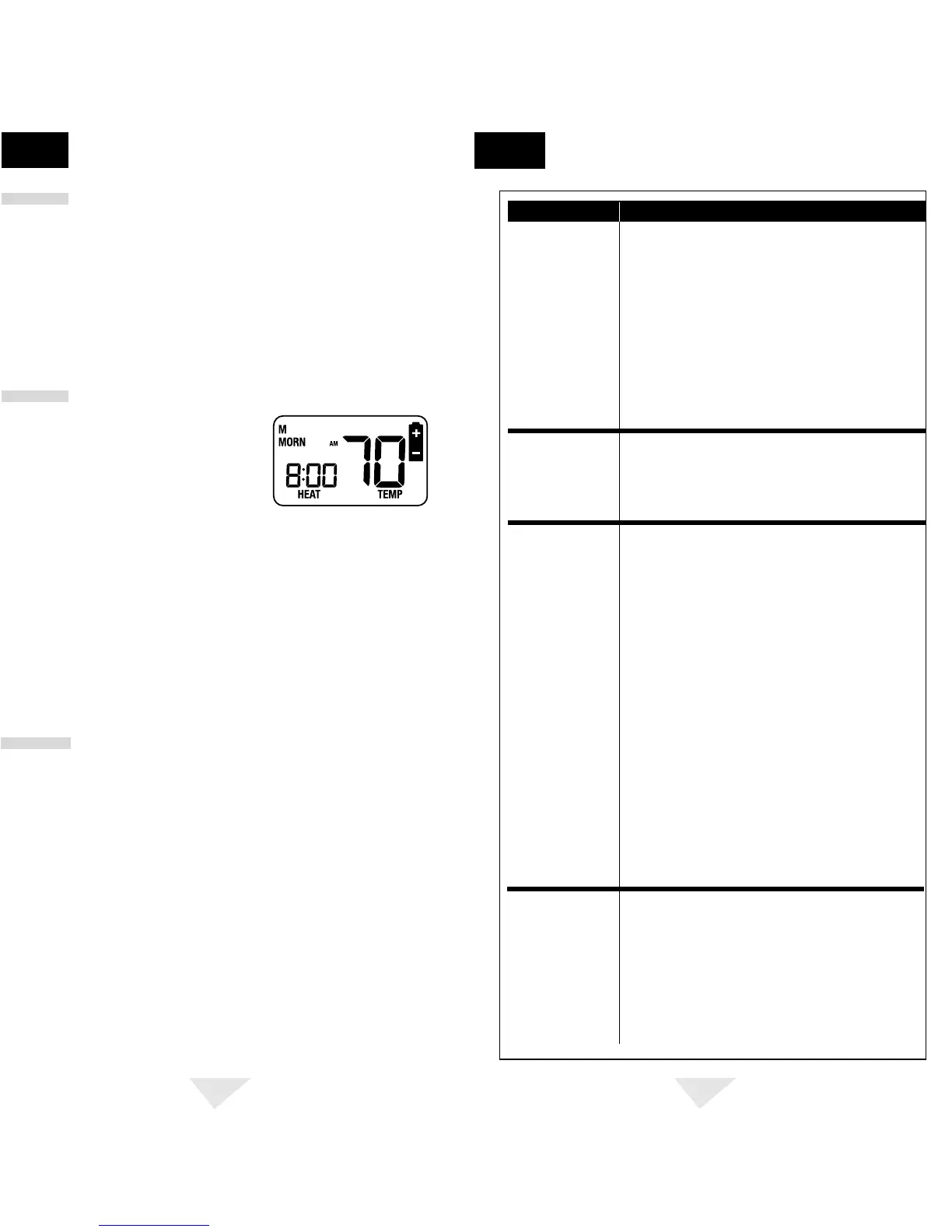
operation. This thermostat is equipped with a low
battery detection feature that constantly monitors
the batteries during normal operating mode to
determine whether they have sufficient power to
provide proper operation. When this feature determines that the battery status is low, a
low battery indicator will appear in the display. It is recommended that the batteries be
replaced immediately to maintain system operation and program settings.
ADDITIONAL
OPERATION FEATURES
5
cont.
Replacing the Batteries
1.
Open the front thermostat cover and locate the battery compartment door.
2.
Gently remove the two "AA" alkaline batteries located in the battery compartment.
3.
Install two new "AA" alkaline batteries into battery compartment. Make sure to match
the positive (+) ends of the batteries with the positive (+) terminals located in the
battery compartment.
4.
Close battery compartment and verify that the low battery indicator does not appear in
the display.
The Reset feature allows the user to completely reset the thermostat to register new
manual switch settings.
To erase all entered programs, current time of day, day of week and
other user settings, gently press the RESET button using a paper clip or a small pencil tip. This
will return all thermostat settings to their default values and register all new manual switch
settings for proper operation.
SYMPTOM POTENTIAL SOLUTION
Thermostat does not
turn on heating or
cooling system.
Check to see if OFF is shown in display. This indicates that the
system is turned off at the thermostat. Move the system selector
switch to the HEAT or COOL position. After the compressor short
cycle protection 5-minute period expires the system should start
within a minutes time.
Compressor protection feature may be in effect due to
compressor short cycle conditions, power outages or rolling
blackouts. See Compressor Protection section for full
explanation of this feature.
Heating or cooling system may be malfunctioning. Call a
professional service technician immediately to verify
system operation.
Check thermostat wiring to make sure that the heating and
cooling stages are connected to the correct terminals on the
wiring terminal block. See Installation and Wiring Diagrams
sections of this manual.
Verify your program setpoint time entries. The heating and
cooling programs utilize the same setpoint times, but have
individual setpoint temperatures for the MORN, DAY, EVE and
NIGHT setpoints. See Setting Your Energy Saving Program
section of this manual.
Thermostat program has been temporarily overridden and
program indicator is flashing in the display. Press RETURN
button to return the thermostat to normal program operation or
wait until next setpoint and the temporary override will expire.
Thermostat program is in Extended Hold (Vacation) Mode and
HOLD and TEMP is showing in display. Press HOLD or RETURN
button to release permanent hold and return the thermostat to
normal program operation.
Thermostat turns
heating or cooling
system on too often
or not often enough.
Increase or decrease first stage temperature differential setting
as appropriate to provide the desired performance level. See
Setting Temperature Differential section of this manual.
Thermostat will not
follow program
setpoints.
Check current time of day, day of week program settings. Make
sure to verify AM/PM indicator is accurately displaying desired
time settings. See Setting Current Time of Day and Day of Week
section of this manual.
Check to see if OFF is shown in display. This indicates that the
system is turned off at the thermostat. Move the system selector
switch to the HEAT or COOL position. After the compressor short
cycle protection 5-minute period expires the system should start
within several seconds.
Resetting the Thermostat
5.10
5.12
Thermostat turns on
heating instead of
cooling or cooling
instead of heating.


 To Next Page
 Loading...