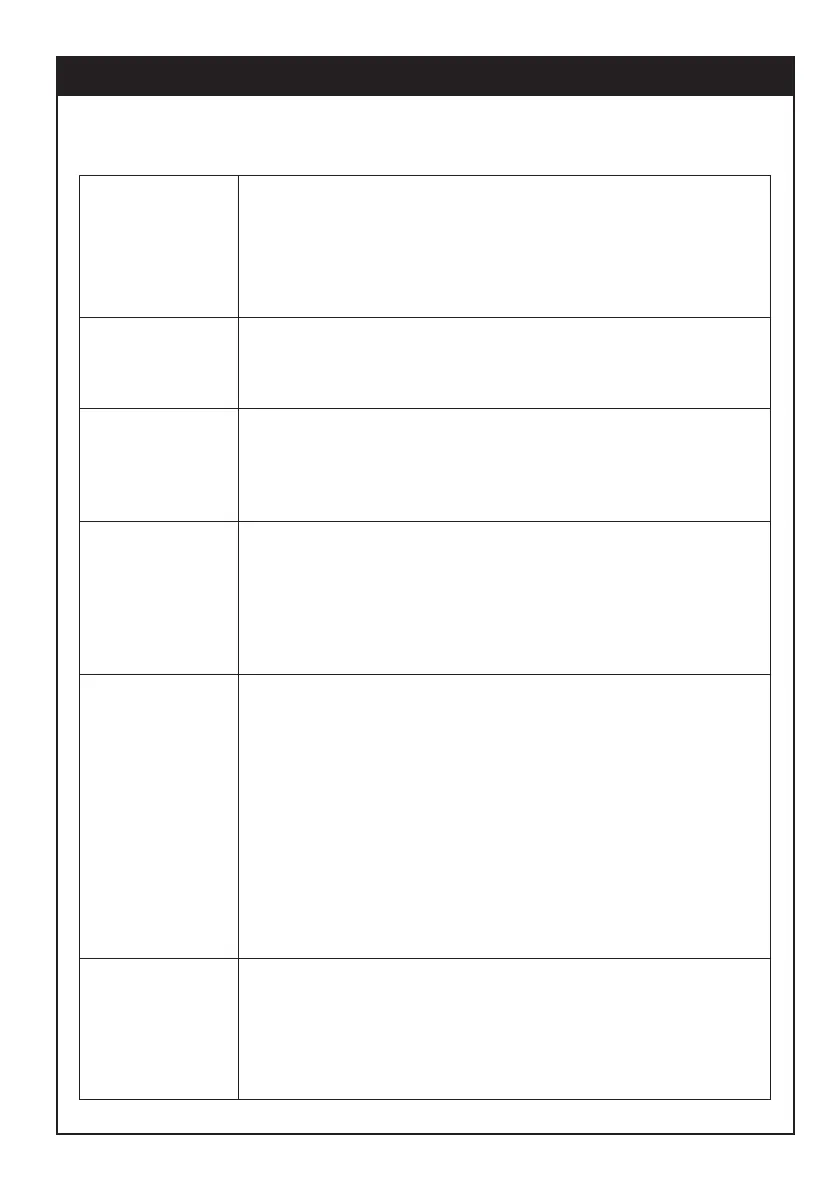
MANUAL mode operation
Press the ON/OFF button. If the room temperature is
less than the set temperature the heater will start. The
display will flash ON and WAIT during the start-up
sequence - the flame and fan symbols will appear
once the burners ignite and the room fan starts.
Turning the
heater ON
Press the ON/OFF button. The display will revert to
OFF mode. The room fan will continue to run until the
heater has cooled sufficiently.
Turning the
heater OFF
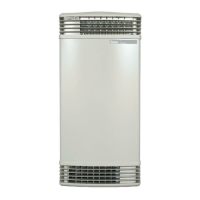
Increase set temperature: Press the UP arrow to
increase set temperature by 1
o
C.
Decrease set temperature: Press the DOWN arrow to
decrease set temperature by 1
o
C.
Adjusting the
room
temperature
When operating in MANUAL mode the heater will turn on and off
to maintain the set temperature until turned off by the user.
Page 2
Press the ECO button (with the remote control turned
on). "E" will flash on the display to show that ECO
mode is active. In ECO mode the heater will not run
at high gas rate.
To exit ECO mode press the ECO button again.
Selecting ECO
mode
Press the LOCK button. "L" will flash on the display
to show that the remote control is locked - this does
not lock the controls on the front of heater - these can
be locked independently. When CHILD LOCK is
active on the remote control all remote control
buttons other than OFF are disabled. If the remote
control is turned off while it is locked, it cannot be
turned back on until you exit CHILD LOCK.
To exit CHILD LOCK mode press the LOCK button
again.
Activating
CHILD LOCK
Press the HOME/AWAY button to switch between
HOME and AWAY. A different temperature can be set
for manual HOME and AWAY modes. Pressing the
HOME/AWAY button provides an easy way to switch
between the two set temperatures.
Using the
HOME/AWAY
feature


 To Next Page