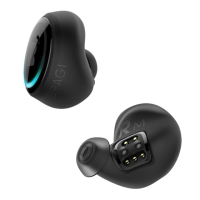
The Dash
PRO
Quick Start Guide
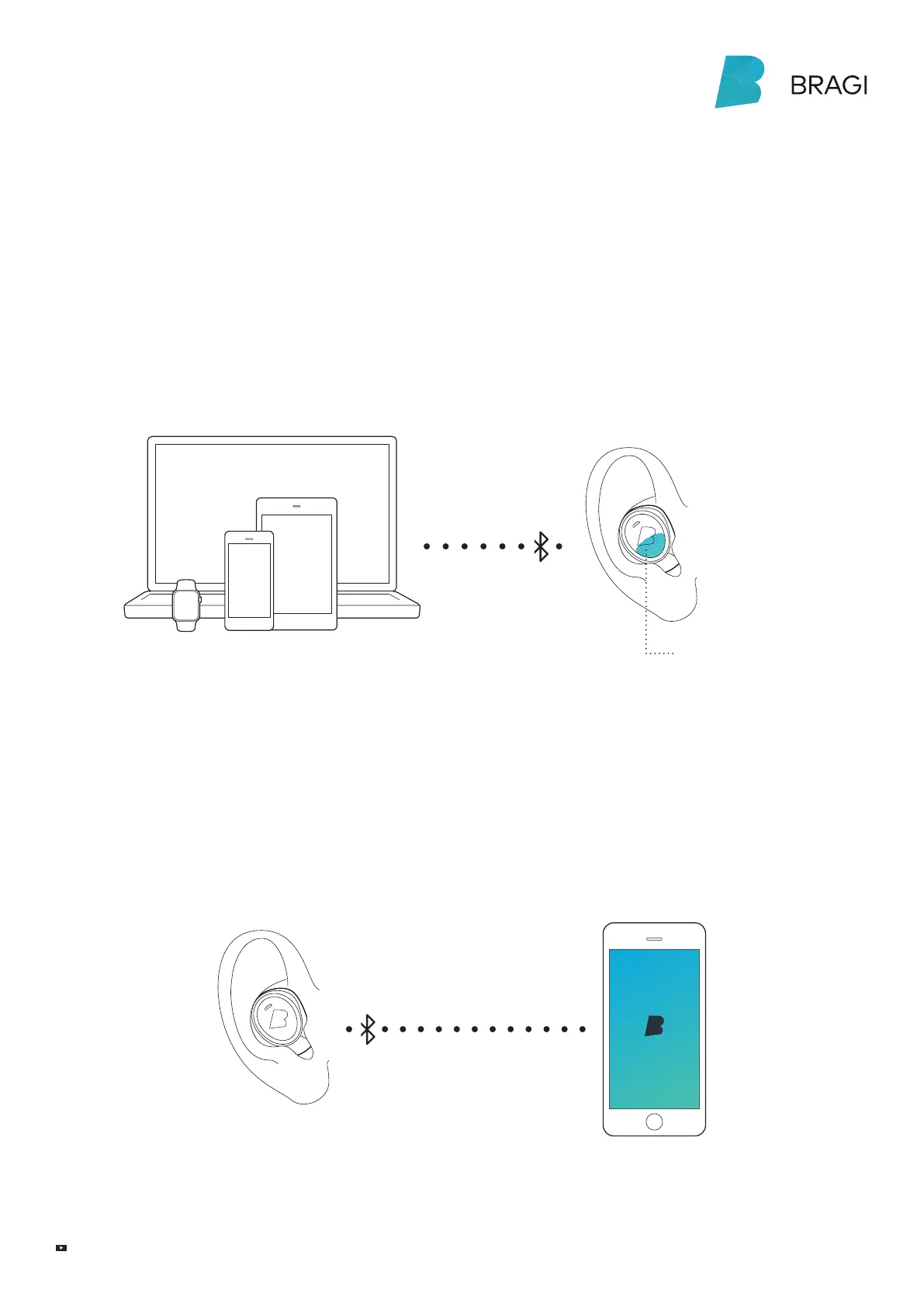
Insert The Dash into your ear and search for
The Dash in the Bluetooth® menu of your device.
If your Dash does not show up in the list,
do a Long Hold (5 sec) on the Right Dash.
You can find video tutorials on
bragi.com/support
!
First connect Audio
Long Hold (5 sec) on
the Right Dash to make
Bluetooth® visible
To connect The Dash sensors to your device, open
the Bragi App and select your Dash in the device list.
Make sure to connect The Dash audio system first
before connecting the sensors.
User manuals on bragi.com/support
Then connect Sensors
BLE
!



 To Next Page