9
Connect the ED device to your local network or directly to your PC using a
standard straight-through or crossover Ethernet cable.
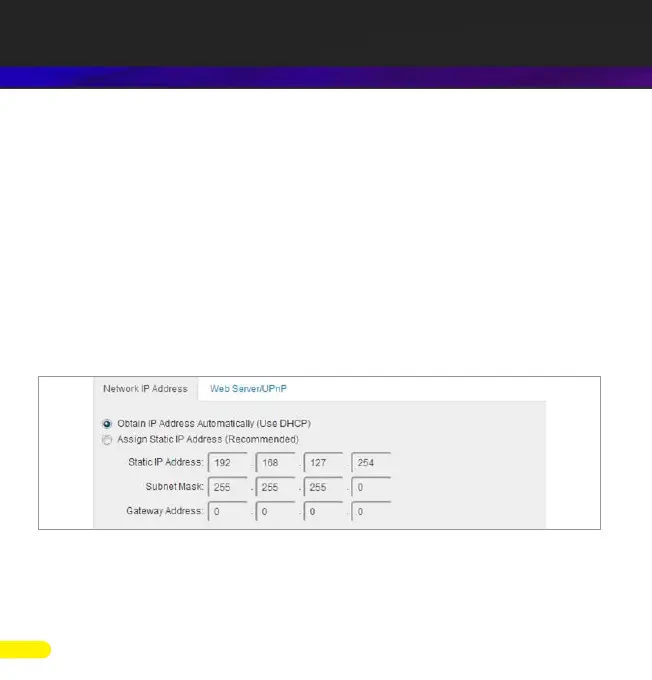
On connecting to the network, the device automatically checks if it is connected
to a DHCP Server. If this is the case, the DHCP server will automatically allocate
an IP address to the ED device.
If no DHCP server is detected (E.g. you are using a direct cable connection to the
PC) the ED device will default to an IP address of 192.168.127.254 within 60
seconds. Please ensure the PC you’re using for conguration can communicate
with the 192.168.127.xxx IP range, as sometimes the subnet mask on the PC
needs to be altered.
In windows the ED device can be found by browsing the network (Start >
Network) and looking under “other devices”. Double click the device to open its
home webpage in a browser.
4. Network IP Addressing



 To Next Page