10
When using the ED Devices with a rewall you may need to manually add the
exception entries and port numbers to the rewall list.
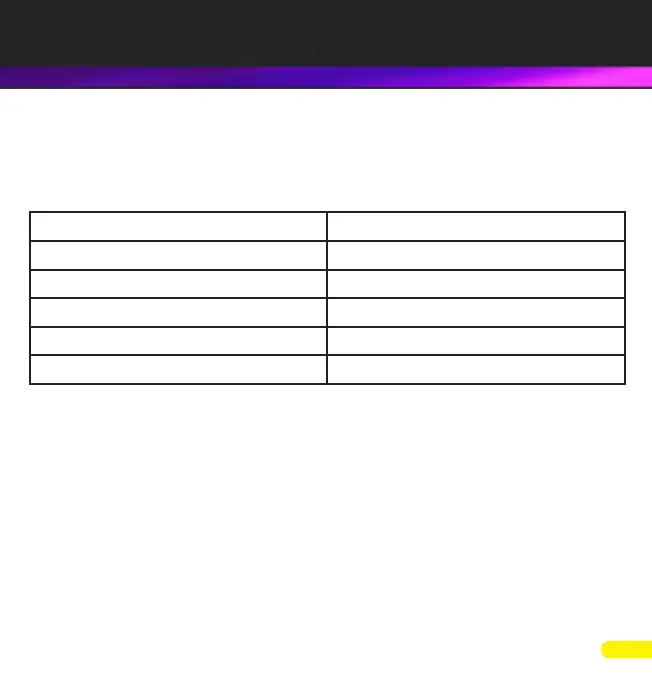
Below are the default ports numbers and the rewall exceptions.
Function Default port number
Device web server TCP port 80
ASCII protocol TCP port 9500
Modbus protocol TCP port 502
Serial port TCP port 9001
Firmware upgrade UDP ports 67, 68, 69
Default Windows Firewall Exception entries:
• Brainboxes Boost.IO Suite
• Brainboxes Boost.IO Suite (Device Discovery)
(Except Windows XP 32 & 64 bits)
• UPnP Framework (Windows XP 32 & 64 bits)
• Network Discovery (Windows 7 or later)
5. Firewall Exceptions and Port Numbers



 To Next Page