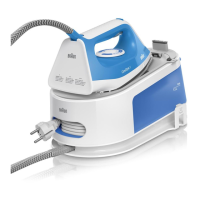
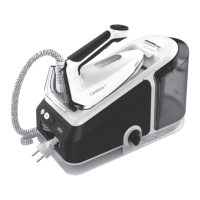
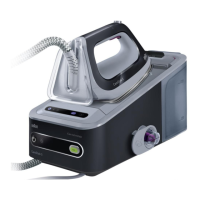
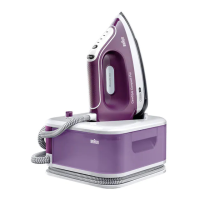
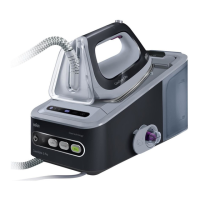
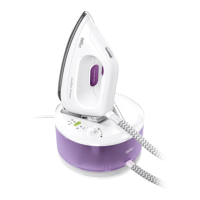
This document describes the Braun CareStyle 3 ironing system, a pressure steam iron designed for both vertical and flat ironing. It is intended for household use and for processing normal household quantities of garments.
Function Description
The Braun CareStyle 3 is a steam generator iron that combines high temperatures and hot steam for effective ironing. It features an On/Off button (1) with an accompanying LED (2) to indicate power status. The appliance includes a Calc Clean System LED (3) and a Reset button (4) for maintenance. For energy-efficient ironing, an Eco button (5) and Eco LED (6) are provided. A Water Tank Empty LED (7) alerts the user when the water level is low. The iron rests on an iron rest (8) and can be secured with a lock system (13) for safe storage.
The base unit houses a removable water tank (9a) or a fixed water tank (9b), a transparent cover (10), a power cord (11), and a cleaning valve (12). The iron itself (II) is connected to the base unit via a double cord (14) and features a steam button (15), a precision shot button (16) for targeted steam, a temperature control LED (17), and a heel rest (18).
Usage Features
Filling the Water Tank (A): Before use, ensure the appliance is switched off and unplugged. Remove the water tank (9a) or open the water tank (9b) and fill it with tap water up to the "max" level. For extremely hard water, a 50% tap water and 50% distilled water mixture is recommended. Do not use distilled water exclusively or add any additives. The appliance should be placed on a stable, level surface. If the water tank becomes empty during ironing, the Water Tank Empty LED (7) will illuminate, and the temperature control LED (17) will flash. Refill the tank and press the reset button (4) to continue.
Starting Ironing (B): Place the iron on the iron rest (8) or its heel rest (18), plug in the appliance, and press the On/Off button (1). The iron will begin to heat up, indicated by the flashing temperature control LED (17) and On/Off LED (2). Once heated, both LEDs will remain continuously on. For steam ironing, press the steam button (15) or the precision shot button (16). For dry ironing, do not press these buttons. The "double trigger" feature allows for continuous steam emission for a few seconds by pressing either the steam button (15) or precision shot button (16) twice in quick succession. Pressing it once again stops the function. The iron can also be used for vertical steaming of hanging clothes. The unique eloxal 3D soleplate is designed for smooth gliding over difficult areas like buttons and pockets.
Precision Shot (C): To use the precision shot, press the precision shot button (16) completely down. Steam will be emitted only from the tip area of the soleplate. If not pressed completely, some steam may also come from the rear steam holes.
Boiler Sleep Mode (D): This mode activates if there has been no steam emission for 10 minutes, reducing power consumption by lowering the boiler temperature while the iron's temperature remains unchanged. To restart steam ironing, press the steam button (15), the reset button (4), or the precision shot button (16).
Eco Function: For delicate garments like silk, wool, and synthetics, lower steam is suggested. Press the ECO button (5) to activate this mode, and the Eco LED (6) will turn on. Pressing it again will return to normal steam function, and the LED (6) will turn off.
After Ironing (E): To turn off the appliance, press the On/Off button (1). Unplug the appliance and allow it to cool down before storing. Empty the water tank. For models with the lock system (13), lock the iron (F).
Lock System (F): The lock system (13) provides safe and easy storage. To lock, place the soleplate into the recess on the iron rest and push the slider (13) toward the iron. To unlock, push down the button on the slider (13). Do not lift or carry the appliance by the handle of the locked iron.
Maintenance Features
Descaling (G): To maintain optimum performance, the system needs descaling after every 15 liters of water consumption (approximately 8 complete refills). The Calc Clean System LED (3) will flash to indicate this. First, switch off and unplug the appliance, then empty the water tank (E). Remove the iron from the iron rest (if applicable, unlock it) and wait for the appliance to cool down for at least 2.5 hours. Remove the transparent cover (10) and unscrew the cleaning valve (12). Empty the boiler, then pour in 500 ml of tap water only (no chemicals, additives, or calc remover). Screw the cleaning valve (12) back on. Shake the base unit to rinse, then empty the boiler. Repeat this rinsing procedure once more. After descaling, plug in, switch on (1), and press the reset button (4) for 5 seconds until the Calc Clean System LED (3) turns off. If the appliance is switched off without descaling, the LED (3) will flash again when it is next switched on.
Cleaning and Maintenance (H): Before cleaning, ensure the appliance is switched off, unplugged, and completely cooled down. Wipe the soleplate clean with a damp or dry cloth. Avoid using scouring pads, vinegar, or other chemicals. To clean the soft material on the handle, use a damp cloth.


 To Next Page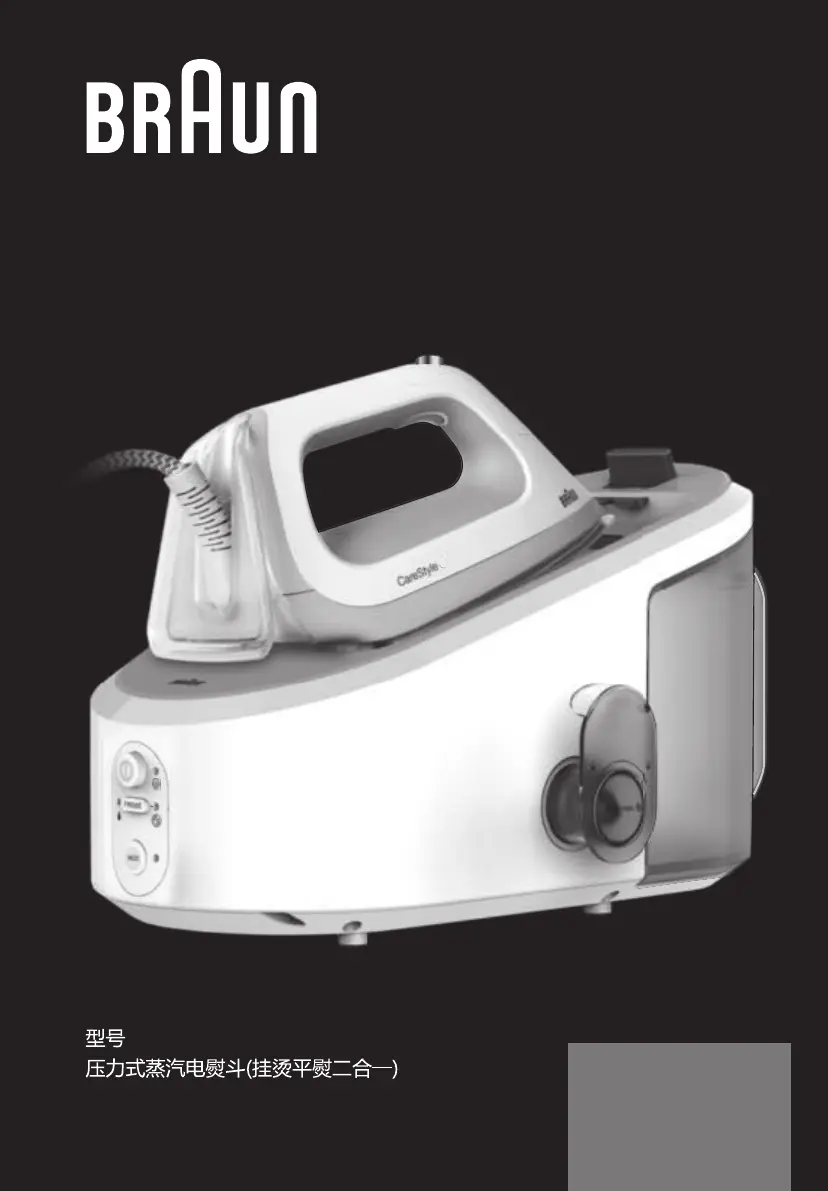

 General