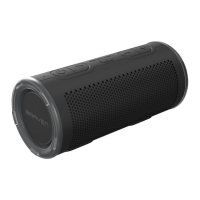
TURN ON & SYNC
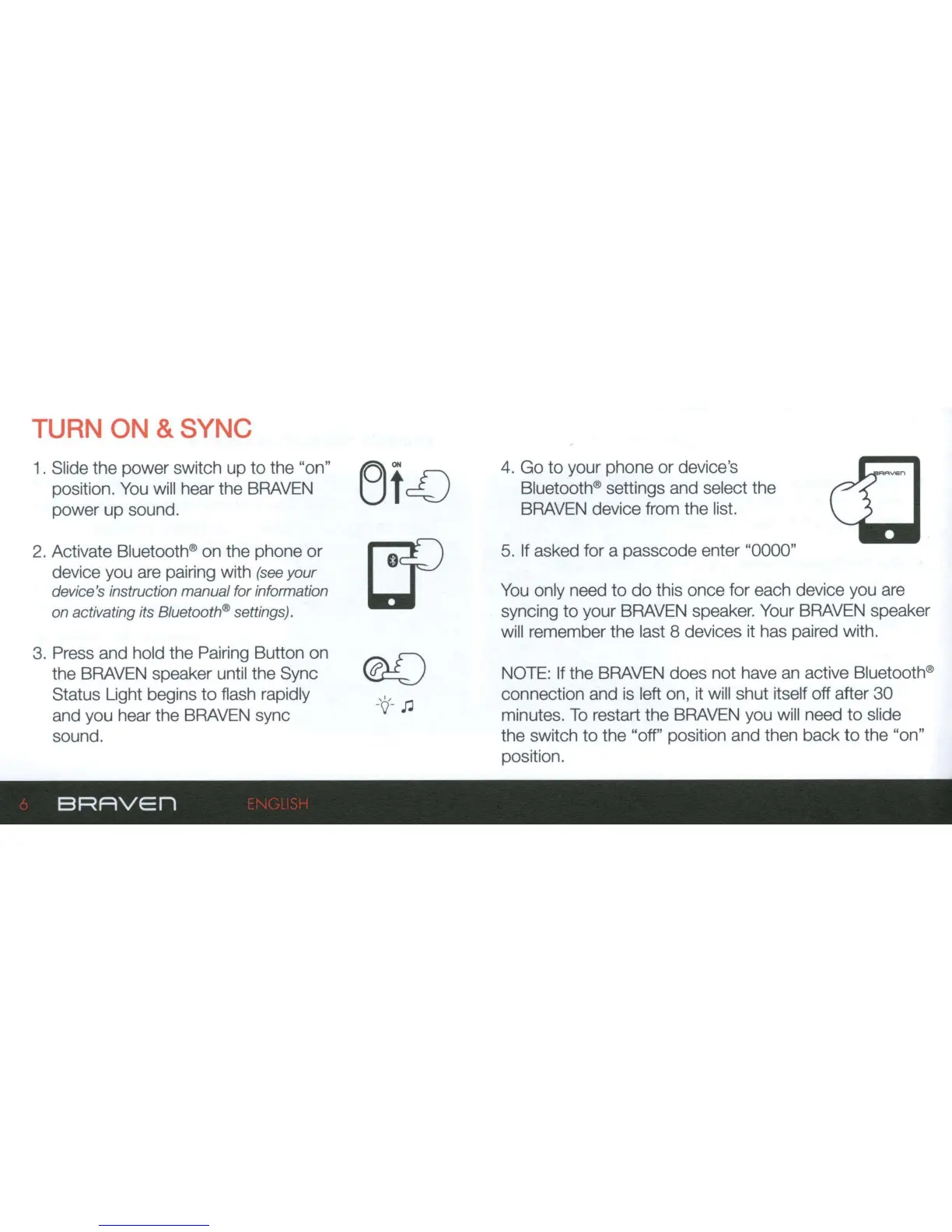
1 . Slide the power switch
up
to
the "on"
position. You will hear the BRAVEN
power
up
sound.
2. Activate Bluetooth® on the phone
or
device you are pairing with (see
your
device's instruction manual for information
on
activating its Bluetooth® settings).
3.
Press and hold the Pairing Button on
the BRAVEN speaker until the Sync
Status Light begins
to
flash rapidly
and you hear the BRAVEN sync
sound.
BRAVEn
4. Go
to
your phone
or
device's
Bluetooth® settings and select the
BRAVEN device from the list.
5. If asked for a passcode enter "0000"
You only need
to
do
this once for each device you are
syncing
to
your BRAVEN speaker. Your BRAVEN speaker
will remember the last 8 devices it has paired with.
NOTE: If the BRAVEN does not have an active Bluetooth®
connection and is left on, it will shut itself off after
30
minutes.
To
restart the BRAVEN you will need
to
slide
the switch
to
the "off" position and then
back
to
the "on"
position.


 To Next Page