SPEAKERPHONE
You
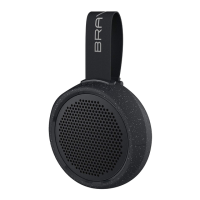
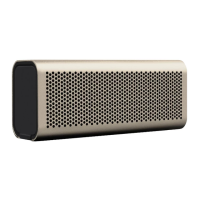
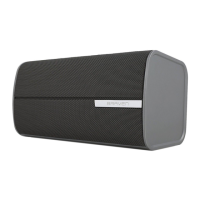
can use your BRAVEN speaker as a conference
calling device if your phone supports this feature.
When the BRAVEN
is
synced via Bluetooth® with your
phone and a call comes
in
, the speaker will beep.
Music, if playing, will pause, and your ringtone will play
over the speaker.
ANSWERING A CALL
Press the Phone/Pairing Button on the BRAVEN
to
answer the call over the speaker. The call will be
answered using the BRAVEN's microphone and
speakerphone.
BRAVEn
If you press the answer button on your phone, some
phones may answer via the mobile device and
not
the
BRAVEN speaker.
You
may need
to
manually select
the BRAVEN speaker as the audio source
to
use it as
the speakerphone.
(Consult your Bluetooth® device's user
manual for instructions on selecting an audio source
.)
Press the Phone/Pairing Button again
to
end the call.
Alternatively, you may press the end call button on your
mobile phone
to
end the call.
Once the call
is
ended, your music will resume playing if
your mobile phone allows this feature.


 To Next Page