16
Battery Backup Unit (BBU) — Installation & Maintenance Manual Continued
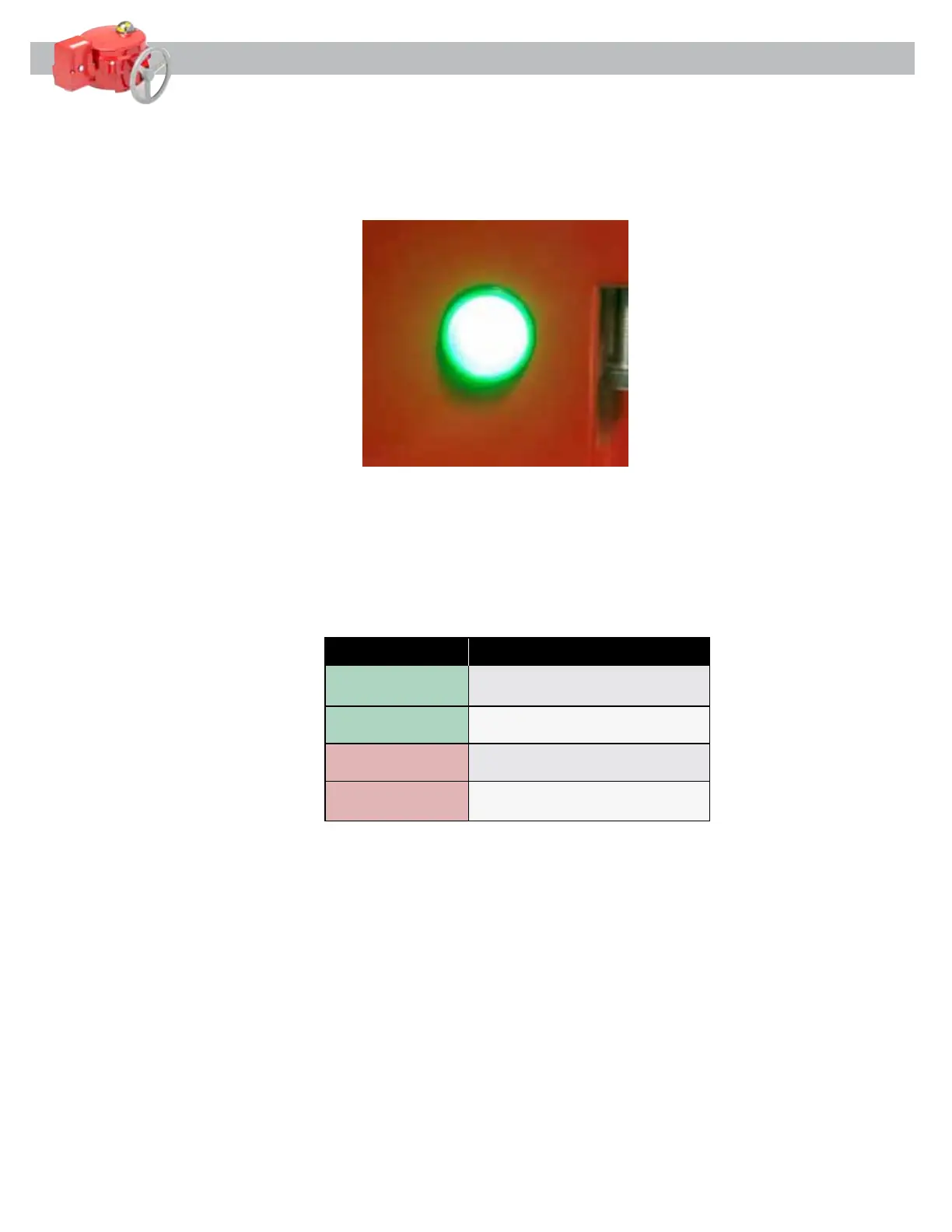
4.8 Turn on the Power Supply to the BBU. Verify LED indicator on the side of the BBU is flashing or steady
GREEN, see [Figure 14] below. Electrically command the actuator full open and close to verify proper
actuator operation.
4.9 Rotate the actuator to the position opposite of the Fail Position. Turn off the Power Supply and verify
that the BBU drives the actuator to the full Fail Position and the LED indicator on the side of the BBU
is Rapidly flashing RED. After the actuator has reached full Fail Position, the LED indicator will Slowly
flash RED. See [Figure 15] for details.
Figure 14
Figure 15
Indication Description
Solid Green The BBU is powered and the
batteries are fully charged.
Flashing Green The BBU is powered and the
batteries are charging.
Fast Flashing Red The BBU is not powered and the
actuator is seeking the fail position.
Slow Flashing Red The BBU is not powered and the
BBU is in low power stand-by.


 To Next Page