7
NOTE: When using the touchpad controls, be sure to press the pad until you hear a beep.
NOTE: When a Bread Maker is packaged for shipment, a clear plastic film is placed over the control
panel; carefully peel it off.
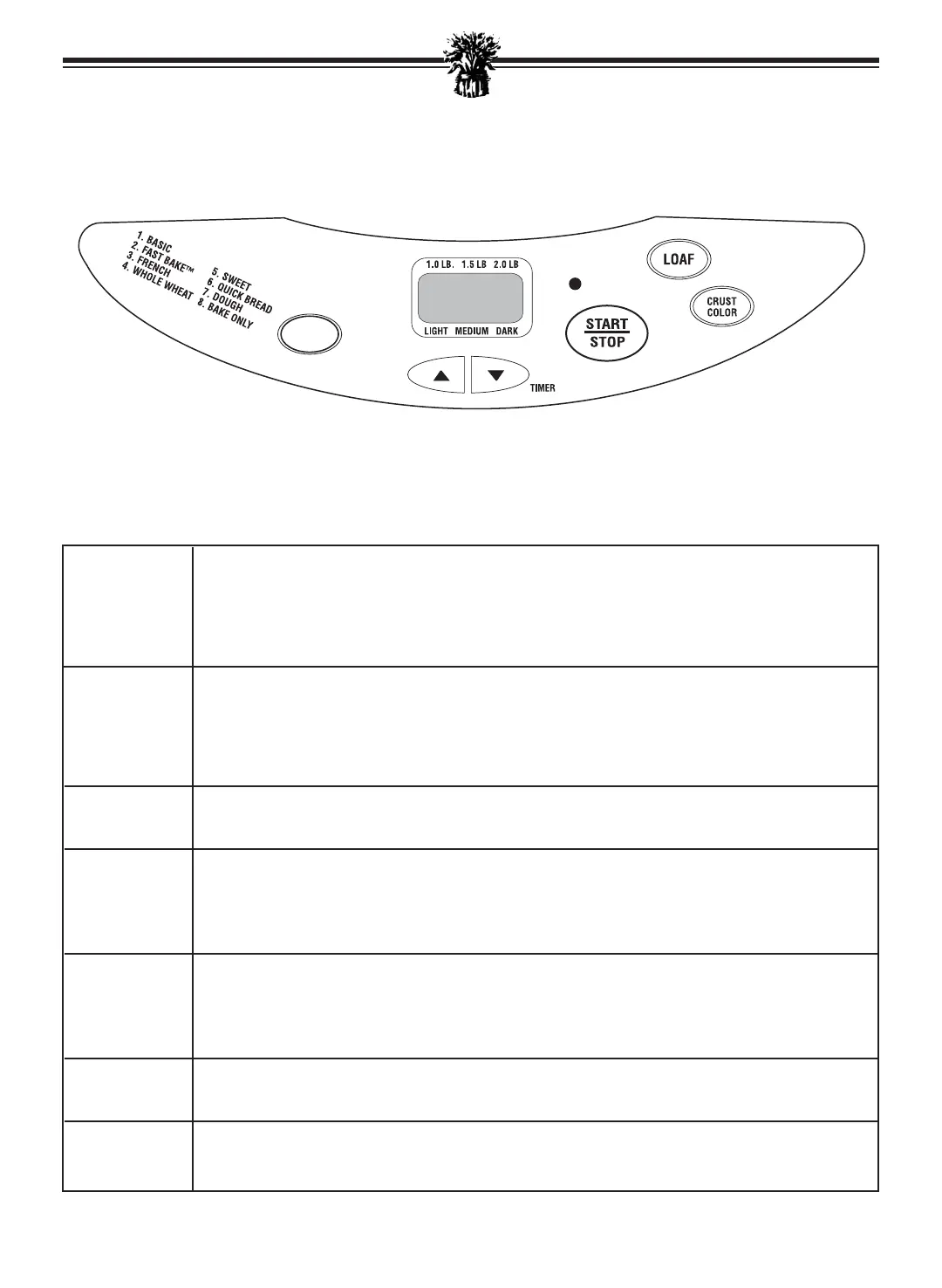
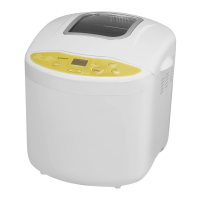
DISPLAY - Indicates the LOAF SIZE.
WINDOW - Indicates the PROGRAM number selected, 1 to 8.
- Indicates the CRUST COLOR selected.
- Indicates minute-by-minute baking time countdown.
- Indicates delay, baking time selected.
TIMER - Use when setting the TIMER to delay baking.
-Press up and down arrows to set timer for delayed completion up to 13 hours later.
- Arrows will move time up or down in 10-minute increments. Press and hold button
for faster movement. TIMER is not available on some cycles, please check the Total
Time in the PROGRAM SPECIFICATION CHART.
PROGRAM -Press to select the baking cycle of your choice. The selected cycle automatically
assigns the time needed to complete the process.
CRUST -Press to select the CRUST COLOR for most programs.
COLOR - Light “L”, Medium “P”, Dark “H”
-Bread Maker will automatically bake on the medium setting (“P”) unless another is
selected.
START/ -Press to start operation or begin TIMER countdown for delayed completion.
STOP -Press and hold until you hear a beep to stop operation or to cancel a
TIMER setting.
NOTE: Do not press STOP when checking the progress of bread.
LOAF -Press to select LOAF SIZE. Bread Maker will automatically bake the 2.0 LB loaf
unless another size is selected.
OPERATION - Indicates Bread Maker is operating.
LIGHT
CONTROL PANEL
OPERATION
PROGRAM
Breadman_TR520_IB_23-3-07 3/23/07 2:44 PM Page 9



 To Next Page