Need help?
Do you have a question about the Breadman TR700C and is the answer not in the manual?
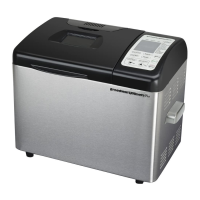
Shows selected cycle, timer settings, and bread making progress.
Allows selection of the desired baking cycle from available options.
Enables selection of loaf size (1, 1-1/2, or 2 lbs.).
Lets user choose the desired crust browning level (light, medium, dark).
Used to add or subtract time from the delay bake timer.
Initiates the selected baking cycle or timer.
 General
| Brand | Breadman |
|---|---|
| Model | TR700C |
| Category | Bread Maker |
| Language | English |


 To Next Page