EasyManua.ls Logo

Brecknell 6710U - User Manual

Brecknell 6710U
86 pages
Print Icon
To Next Page IconTo Next Page
Loading...
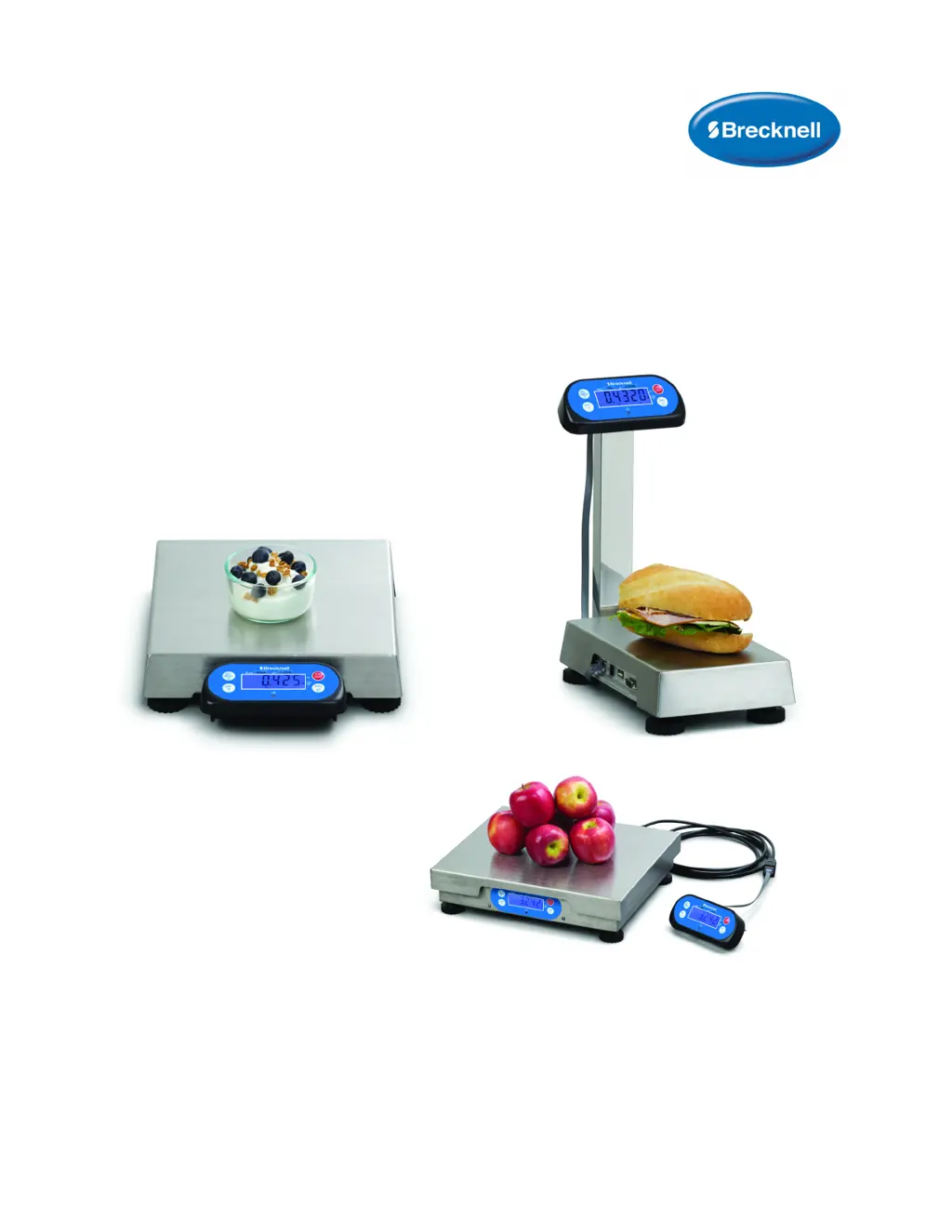
67XXU
USB/Serial Scale Series
Service Manual
SOFTWARE VERSION 1.20
AWT35-501145
Issue AG

Table of Contents

Other manuals for Brecknell 6710U

Questions and Answers

  • A
    Alexandra AndersonAug 19, 2025
    Why won't my Brecknell Scales turn on?
    • C
      cynthiavargasAug 20, 2025
      The issue might stem from several causes: the power cord could be improperly connected or not plugged in at all, the power outlet might not be providing electricity, or the battery could be discharged. To resolve this: * Check the power cord connections to ensure they are secure. * Verify that the power cord is plugged into a functioning power outlet. * Check the power source. * Replace the batteries if they are discharged.
  • S
    Shari StevensAug 21, 2025
    What to do if my Brecknell 6710U Scales display shows '----'?
    • H
      Heather CollinsAug 21, 2025
      This display indicates that the weight reading either exceeds the overload limit or the weight value, in the current unit of measure, exceeds 6 digits. To fix this, reduce the load on the scale until the weight value can be displayed or select a more appropriate unit of measure. You may also need to reset some parameters of CONFG or USER.
  • J
    jhernandezAug 23, 2025
    How to fix 'Ad---' error on Brecknell 6710U Scales?
    • C
      chadcolemanAug 25, 2025
      The 'Ad---' error indicates that the loadcell wires connected to the indicator are incorrectly connected, shorted, or opened, or that the ADC or loadcell(s) are damaged. Ensure the wires are correctly connected and in good condition. Replacing the loadcell or ADC chip may be required.
  • V
    vpriceAug 26, 2025
    What does 'CAL.Er' mean on my Brecknell 6710U and how to fix it?
    • R
      Ryan GutierrezAug 26, 2025
      A 'CAL.Er' error indicates a calibration problem. This could be due to incorrect input data, or the loaded weight being too small, too big, unstable, or non-linear. Ensure you input the correct data and load the correct weight onto the platform.
  • A
    annette58Aug 28, 2025
    What to do if my Brecknell Scales cannot zero?
    • T
      Thomas WhiteAug 28, 2025
      If your scale won't zero, it might be because the load on the scale exceeds the allowable limits, the load isn't stable, or there's load cell damage. Try removing the load from the scale and wait for the reading to stabilize.
  • M
    Mr. Gene KaiserAug 30, 2025
    What does 'EEP.E1' mean on my Brecknell 6710U Scales and how to solve it?
    • T
      Travis JordanAug 30, 2025
      The 'EEP.E1' error means that the CONFG or CAL parameters are not correctly set. To resolve this, reset the items in CONFG and perform a calibration.
  • J
    Jennifer GutierrezSep 1, 2025
    What does 'EEP.E2' mean on my Brecknell Scales and how can I fix it?
    • T
      Tammy DunnSep 1, 2025
      The 'EEP.E2' error indicates that a USER parameter is not correctly set. To fix this, reset the items in USER.
  • R
    rmckenzieSep 3, 2025
    What does 'CAP.ER' mean on Brecknell 6710U?
    • T
      Teresa WrightSep 3, 2025
      The 'CAP.ER' error means that the capacity parameters are not correct. To fix it, set PRIM.N/PRIM.D/SECND.n to the correct number, ensuring that the capacity does not exceed 6 digits.
  • M
    Michael PorterSep 5, 2025
    Why do my Brecknell 6710U display '0----'?
    • D
      Derek JimenezSep 5, 2025
      This indicates that the weight reading is below the Power On Zero limit. Install the platform on the scale and perform a zero calibration.
  • D
    Daniel AguirreSep 8, 2025
    Why do my Brecknell 6710U Scales display '____'?
    • M
      Michael ArellanoSep 8, 2025
      This display means the weight reading is below the Under load limit. Install the platform on the scale and perform a zero calibration.

Summary

General Information and Warnings

Warnings and Precautions

Provides operational warnings, maintenance safety, and cleaning guidelines.

Installation

Connections and Ports

Describes the scale's ports for power, USB, RS-232, and display.

Specifications

Analog, Capacity, Accuracy, and Calibration

Covers analog circuitry, capacity, accuracy, and calibration methods.

Configuration

Front Panel and Key Functions

Describes front panel layout, display, and key operations.

Setup Mode

CONFG and USER Menu Parameters

Detailed configuration settings for CONFG and USER menus.

Calibration

Entering and Performing Calibration

Steps to enter calibration, perform zero and linearity calibration.

Serial Communication

Commands and Response Protocols

Overview of commands and various communication protocols.

Troubleshooting

Error Messages and Troubleshooting Guide

Provides causes and remedies for common error messages.

Brecknell 6710U Specifications

General IconGeneral
BrandBrecknell
Model6710U
CategoryScales
LanguageEnglish

Related product manuals