6 PS25 Postal Scale User Instructions
2 Operation
2.1 Initial Startup
1. Insert the four AAA batteries in the compartment at the bottom of the scale.
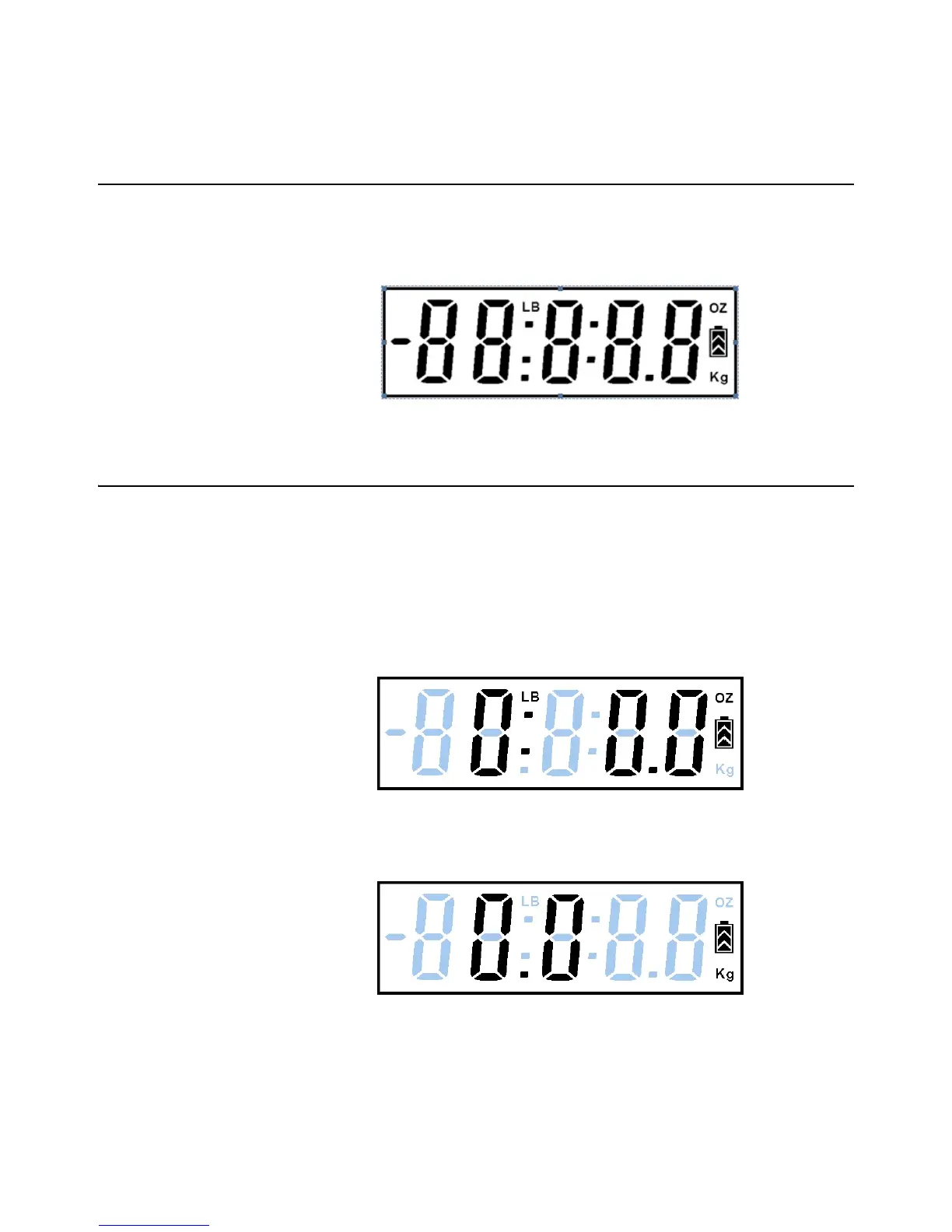
2. Once the batteries are installed, the unit will immediately turn on showing the
complete LCD layout (for 2 seconds or less)
2.2 Turn on the Scale and Select Unit of Measurement
1. Place the scale on a flat surface.
2. Press the [ON/OFF/TARE] key once to turn on the scale.
2a. If the display does not show zero, press the key again to reset zero.
3. The scale defaults to the last used unit of measure (lb:oz, kg or g).
3a. If another unit of measure is preferred, press the [UNIT] key to select lb:oz, kg
or grams..
Figure 2.1 Unit of Measure: lb:oz mode
Figure 2.2 Unit of Measure: kg



 To Next Page