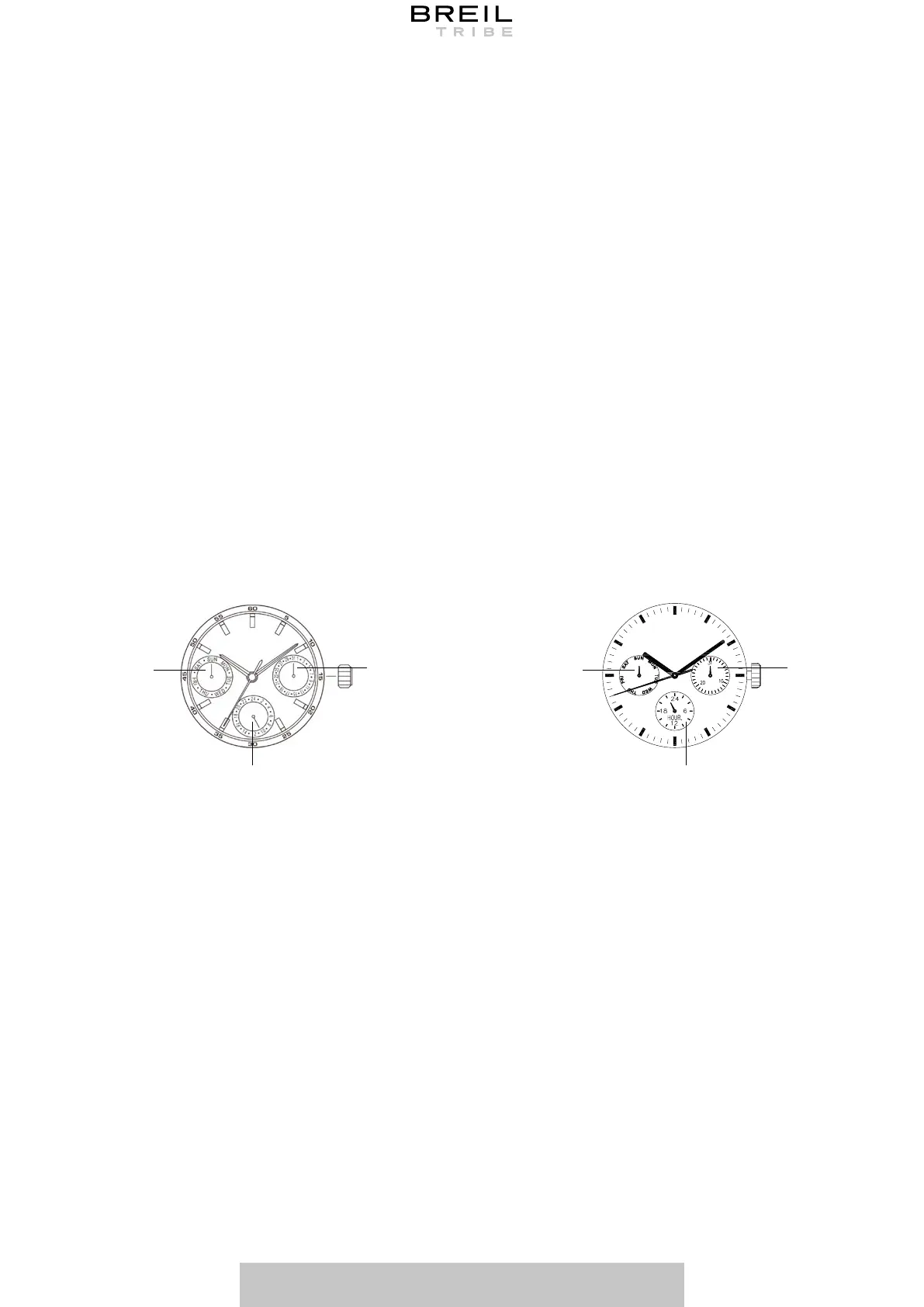
USER’S MANUAL 19
1. Pull the crown out to the 1st Click Position.
2. Turn the crown clockwise to set the date. If the date is set between the hours of around
9:00 PM and 1:00 AM, the date may not change on the following day.
3. After the date has been set, push the crown back to the Normal Position.
1. Pull the crown out to the 1st Click Position.
2. Turn the crown clockwise to set the date. If the date is set between the hours of around
9:00 PM and 1:00 AM, the date may not change on the following day.
3. After the date has been set, push the crown back to the Normal Position.
1. Pull the crown out to the 2nd Click Position.
2. Turn the crown clockwise to set hour and minute hands.
3. After the time has been set, push the crown back to the Normal Position.
1. Pull the crown out to the 2nd Click Position.
2. Turn the crown clockwise to set the day. The 24 hour hand and the day of the week hand
moves in synch with the hour hand. Check that this latter has arrived on the desired day
and hour.
3. After the day and time have been set, push the crown back to the Normal Position.
Note: Set the time after the day has been set.
Press button “A” to set the dual time hand forward in units of 15 minutes.
Press button “B” to set the dual time hand back in units of 15 minutes.
*The dual time hand can be put rapidly by continuously pressing button “A” or “B”.
SETTING THE DATE
SETTING THE DATE
SETTING THE TIME
SETTING THE DAY AND THE TIME
SETTING THE DUAL TIME
MIYOTA 6P29 SUNON PE801
4 4
8 8
12
12



 To Next Page