9 / 20
9 Screen display
2
6
7
9
10
17
16
14
11
18
19
22
1 3
15
20
21
5
13
12
8
4
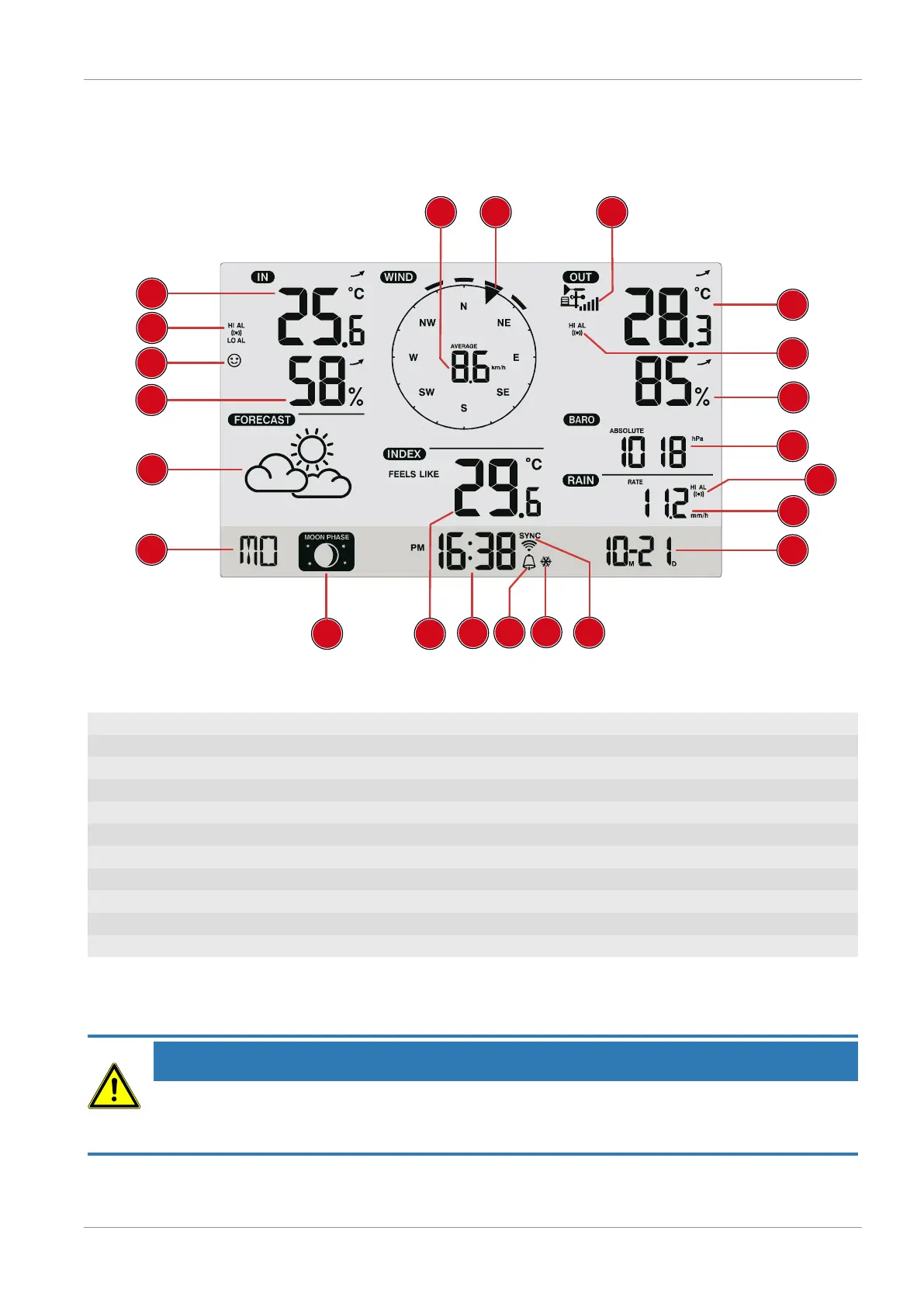
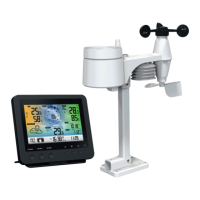
Illustration3: Screen display
1 Wind speed 2 Wind direction
3 Strength of receiving signal (outdoor sensor) 4 Outdoor temperature
5 Temperature alarm outdoors enabled 6 Humidity outdoors
7 Atmospheric pressure 8 Precipitation alarm enabled
9 Precipitation quantity 10 Date
11 WI-FI synchronisation 12 Frost warning enabled
13 Alarm enabled 14 Current time
15 'Feels like' temperature 16 Moon phase
17 Weekday 18 Graphical weather trend display
19 Humidity indoors 20 Comfort indicator (Clima)
21 Temperature alarm indoors enabled 22 Indoor temperature
10 Before starting operation
NOTICE
Avoid connectivity disruptions!
To avoid connectivity disruptions between the devices, consider the following points before starting
operation.
1. Place base station (receiver) and remote sensor (sender) together as close as possible.
2. Set up power supply for the base station and wait until the indoor temperature is displayed.







 To Next Page